




Welcome to the Bimmer Owners' Club - An Independent community!
Membership is completely free, and our community is built by enthusiasts, for enthusiasts. We’re a proudly independent, non-official club, so all the help and opinions you’ll find here come directly from members with real experience of BMW ownership and are REAL people.
Join the club now!
Forums
-
Sponsor: BMW Official Store on eBay
-
Huge range of genuine BMW parts & accessories on eBay
 11,229 visits to this link
-
-
Models of BMW Vehicles
-
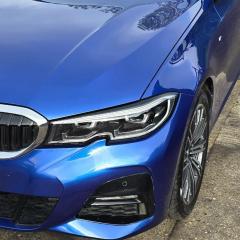
BMW 3 Series Club
- 9.7k posts
-
BMW X2 Series Club
- 36 posts
-
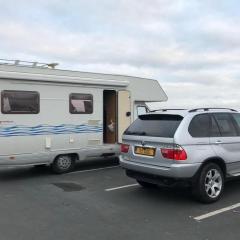
BMW X3 Series Club
- 1.1k posts
-
BMW X4 Series Club
- 68 posts
-
BMW Z3 & Z4 Series Club
- 865 posts
-
Owners Club Members Area
-
New members can introduce themselves here! All new members are very welcome!
- 16.5k posts
-
Chat about anything BMW or non-BMW related here.
- 17.1k posts
-
Discuss anything to do with Insuring your BMW!
- 247 posts
-
Share your favourite videos here and chat about them. Humour is advised!
- 202 posts
-
-
Premium Membership
-
2,369 visits to this link
-
-
General Categories
-
Audio/Video/Electronics/Security Forums for BMW Vehicles
- 611 posts
-
Arms like popeye? Discuss how to get that perfect shine!
- 587 posts
-
Talk about how to get better MPG from your BMW. Also discuss oils and fuels and economy savings tips.
- 383 posts
-
Wheels & Tyres forum.
- 329 posts
-
Submit tips and tricks and general maintenance info.
- 311 posts
-
-
Owners Club Events
-
Clubs meets section for BMW owners - including track day events and member meet ups in their local area.
- 1.2k posts
-
General Shows that may be of Interest.
- 351 posts
-
Setting up a Local club meet? Then add it here ensuring you add the location to the subject.
- 1k posts
-
-
Sellers Corner
-
Buy & Sell Parts & Accessories - All BMW Models - If you have some BMW related items for sale, or wish to buy specific items - Please post them here. NO COMMERCIAL TRADERS PLEASE - COMMERCIAL TRADERS SHOULD CONTACT STAFF FOR ADVERTISING RATES
- 690 posts
-
Want to sell your motor? then please post them here. NO COMMERCIAL TRADERS PLEASE.
- 216 posts
-
Sold items are moved here by moderators once they are sold. Members cannot post items here as all posts are read only. Also old items will be moved after a period of time.
- 238 posts
-

































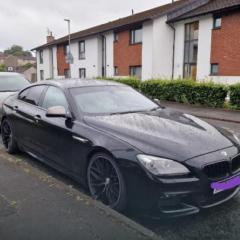



















Forum Statistics
- Total Topics 17.3k
- Total Posts 74.9k
Member Statistics
- 20,800 Total Members
- 1,590 Most Online
-
altaf_patel123 Newest Member ·

Who's Online (See full list)
- There are no registered users currently online