G4VHD
Premium Member
-
Joined
-
Last visited
Everything posted by G4VHD
-
-
-
Im thinking this....<_<
-
Yes its the one with the ##### BMW is still here and going nowhereIt dont feel plastic, it feels just like my last one And yes....its French Poo and its gonna break...but thats what the wife wanted!! :D

-
Do it...wow...I'd love to do that....but Im weird too lol
-
-
:lol: took a while to click that lol W####R
-
I knew you would be first you poo head :P
-
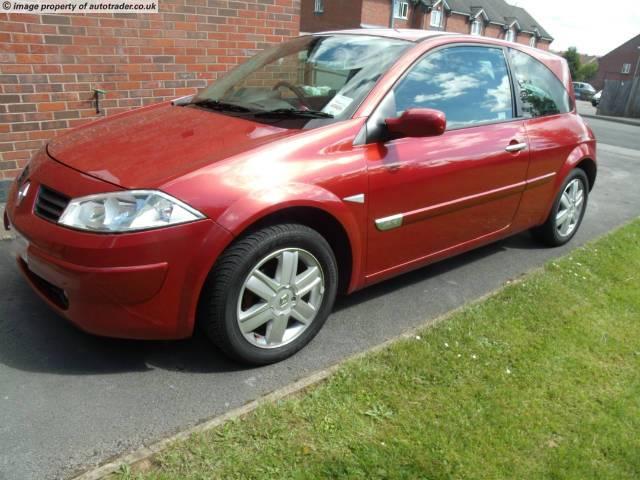
I've brought a french poo Megane :o
-
Main dealer every time...at the recomended intervals.
-
Hi Chris, welcome to the forum.
-
Whats up Caz
-
You lot are sad....hahaha ;-)
-
Welcome mate... Im loving your interior
-
Ta :D
-
Looking good :)
-
:blink:
-
This idea is actually growing on me, this could work on the right car. Nice if they dimmed with the interior lights.
-
Welcome to the forum... Im no mechanic, but head gasket?
-
Interesting stuff aint it. B)
-
You will be supprised how many bushes are down there mate. Also drop links have a habit of going on these.
-
I think you already know the problem dude. I'd say bearing and front bushes. Not mega money to sort, but them rear hubs a a nightmare to get off.
-
:lol: