





Snypa-D
Premium Member
-
Joined
-
Last visited
Everything posted by Snypa-D
-
Hi,welcome to BMWOC :) Please post in the right section....youll get more replys that way :)
-
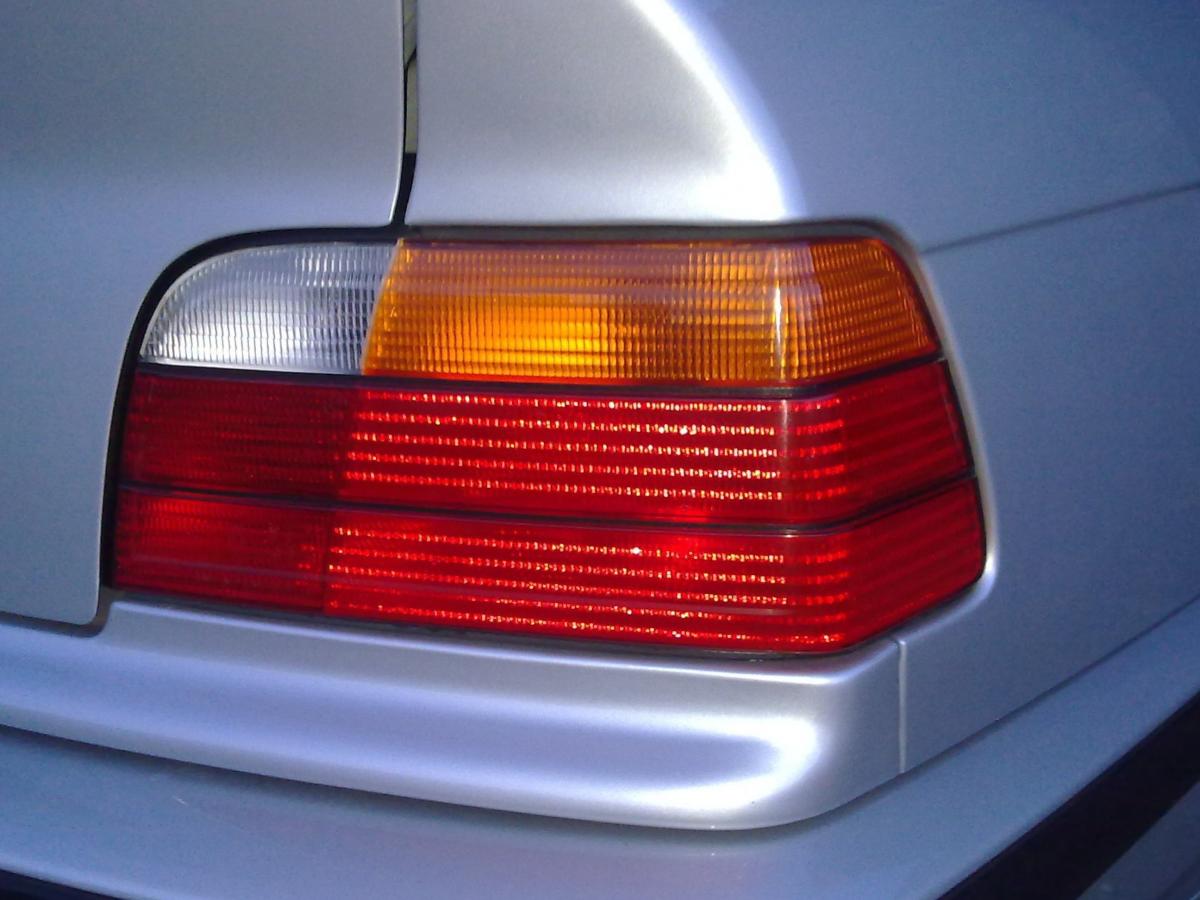
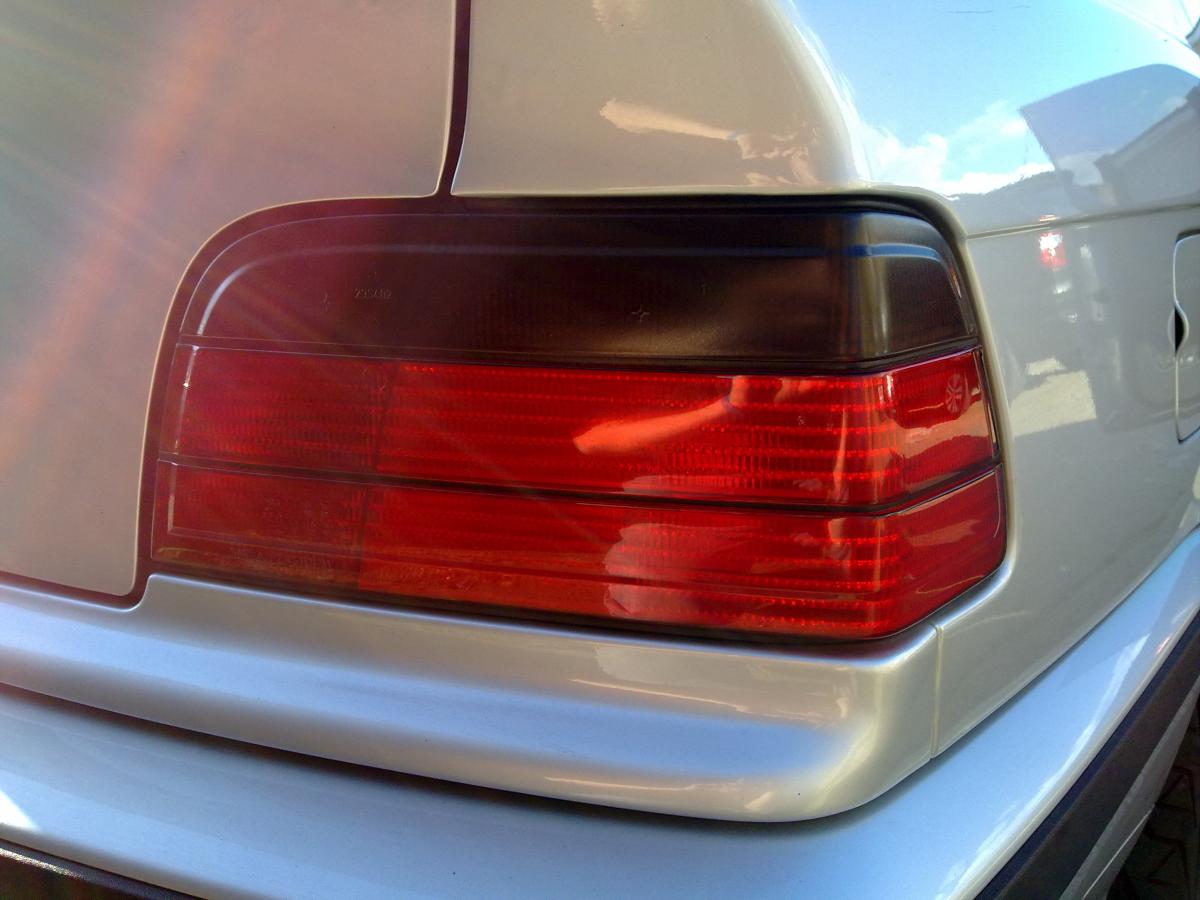
Look like M5 rims ???I think the best sort of private plate to get is one that you can transfer from car to car,not a car specific one (like A1BMW etc etc) So how bout doing what ive done and go for.......first letter month of birth,numbers either year or day,then last 3 letters initials !! :)Welcome to BMWOC :)Awesome car for a project :)I reckon so....but dont quote me on that,lolThe wiring is pretty easy TBH,just depends on how you want them to run,I can play each headrest on its own seperately or I can play a dvd on my head unit and show it on all 3 screens, :)How about this set (pads & discs) ............ http://www.ebay.co.uk/itm/BMW-Z3-Coupe-Z4-2-0-2-2-2-5-2-8-Drilled-Grooved-FRONT-Brake-Discs-BREMBO-Pads-/230746835135?pt=UK_CarsParts_Vehicles_CarParts_SM&fits=Cars+Year%3A2008%7CCar+Make%3ABMW&hash=item35b99548bf#ht_4728wt_928 not too pricey,and if you ask them theyd prob do a deal for front and rear set together !!Welcome to BMWOC :) enjoyProb going to do this meet 4 times a year,too often and it will get boring etc,plus it will give people time to do things to cars etc and have lots to talk about and look forward to :) Next one will be soon :) watch this space :)The ones I bought already come IN the headrests,so just had to wire them up :) check this page out.......... http://www.chinavasion.com/search?q=dvd+headrests&Submit=GO :)+3 :) lolLookin forward to seein this next move Jas :)+1 to that !! GO LOW !! ......and get them 3 spokes changed :)Welcome to BMWOC :)by getting this...... http://www.ebay.co.u...w=tinting+spray and turning these........ into these......... is that any good for ya ?? :)
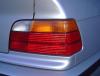
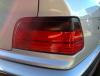 19's will fit,heres a link to a set of rear lights ........... http://www.ebay.co.uk/itm/92-98-BMW-E36-2-Door-Coupe-Red-Smoked-Rear-Tail-Lights-/380457749718?pt=UK_CarsParts_Vehicles_CarParts_SM&hash=item58950c8cd6#ht_2299wt_827 bit pricey IMO,better off doing it yourself !!Never looking back,always lookin forward :)If you get them from the place I linked just be aware that when the UPS man brings them you will get asked to pay import tax before handing them over. Also if they go wrong (mine havent in over 2 years,altho my head unit did) its pricey to send them back for warranty repair......ive had a few cheap an easy ones back in the day,lol

Account
Navigation
Search
Configure browser push notifications
Chrome (Android)
- Tap the lock icon next to the address bar.
- Tap Permissions → Notifications.
- Adjust your preference.
Chrome (Desktop)
- Click the padlock icon in the address bar.
- Select Site settings.
- Find Notifications and adjust your preference.
Safari (iOS 16.4+)
- Ensure the site is installed via Add to Home Screen.
- Open Settings App → Notifications.
- Find your app name and adjust your preference.
Safari (macOS)
- Go to Safari → Preferences.
- Click the Websites tab.
- Select Notifications in the sidebar.
- Find this website and adjust your preference.
Edge (Android)
- Tap the lock icon next to the address bar.
- Tap Permissions.
- Find Notifications and adjust your preference.
Edge (Desktop)
- Click the padlock icon in the address bar.
- Click Permissions for this site.
- Find Notifications and adjust your preference.
Firefox (Android)
- Go to Settings → Site permissions.
- Tap Notifications.
- Find this site in the list and adjust your preference.
Firefox (Desktop)
- Open Firefox Settings.
- Search for Notifications.
- Find this site in the list and adjust your preference.