


Ricklaceydrums
Regular Member
-
Joined
-
Last visited
Everything posted by Ricklaceydrums
-
Thank you so much, that's a massive help
-
Thank you for your help. The car has a big standard speaker setup. It isn’t good. The HK system normally has badges and identifiers but the car has no such markings. im going to fit a sub in the cavity in the boot, some decent mid range in the doors then some tweeters in the door pillars. The job now is to find someone who can do the job properly and not charge a fortune
-
Hi I am looking to improve the performnce of the stereo in my X1 It seems to havr the bog standard line fit speakers fitted and I'd like to change those for something better Also there is plenty of room in the space under the floor of the boot. Has anyone done anything like this? Any hints or tips? Fankoo
-
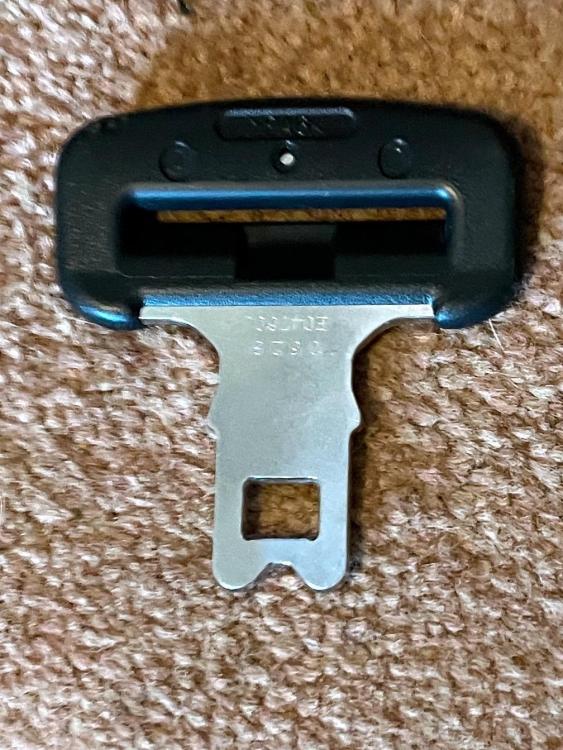
UK F20/F21 Hi Would anyone have a seat belt buckle like this one please? I want to use it for my dog's safety harness TIA
-
Hello I’m on my third BMW and absolutely love it I found the forum via Google looking forward to speaking to you
