SuzukiBoy
Regular Member
-
Joined
-
Last visited
-
 So are you selling your services?
 -
Read what I have said. Head off to intoduce yourself as well.
-
Its working fine:
-
Just a quick PS.....Best not to used advanced settings. All other changes you make are backed up automatically on your phone. I will not give advice as to how to use, only about issues you might have about connecting. PPS: More here: https://bimmercode.app/ Quick Start Guide: https://bimmercode.app/quick-start-guide/
-
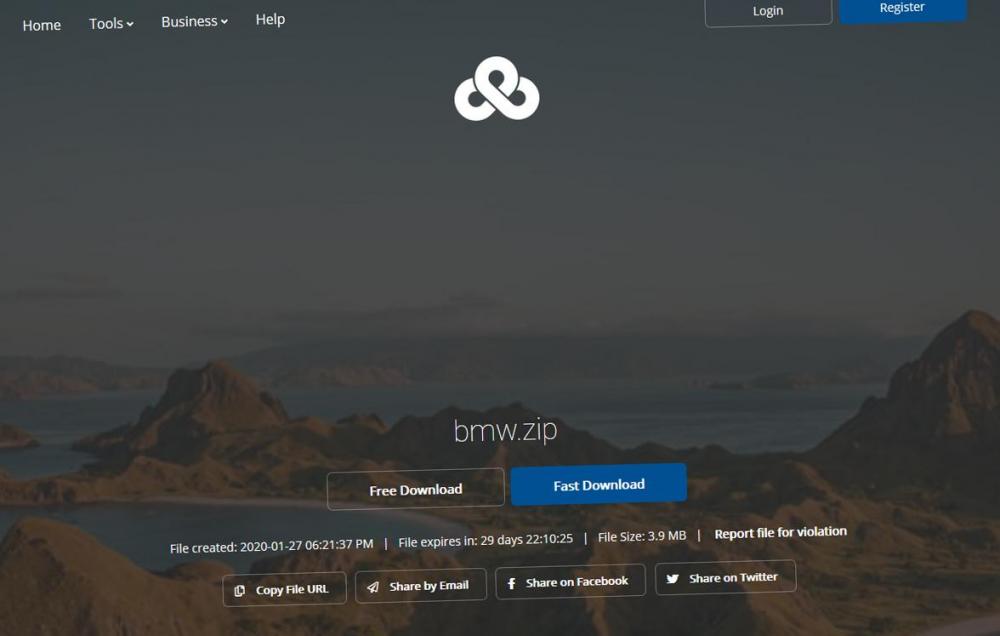
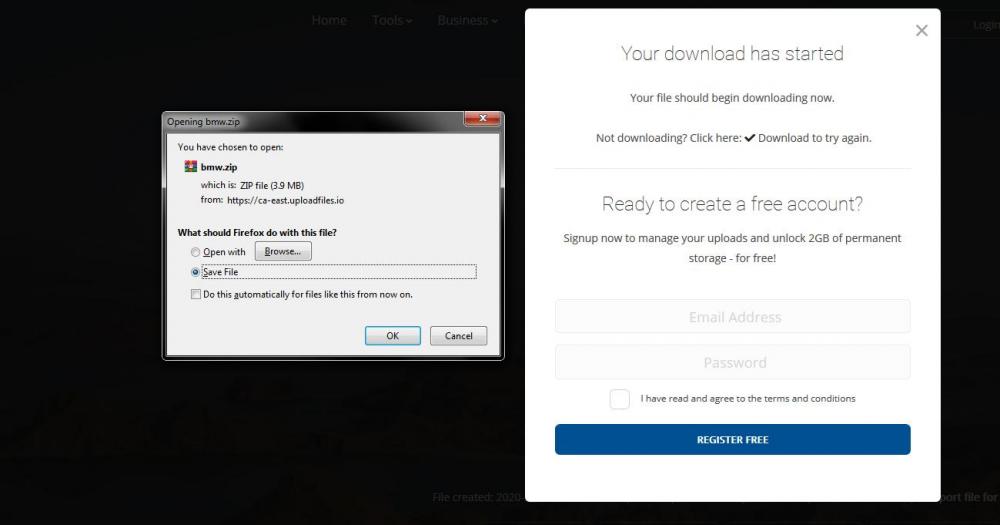
I have uploaded for anyone who wishes to use it. Any queries about connectivity, please let me know. https://ufile.io/ie7enl3f Use the free/slow option. Its only around 4MB. It is fully updateable and the "full version" but only for use on Android phones. I used it to change and amend untold settings. Its worth its weight in gold, it really is.... Its a zip file BTW so you need to unzip before using.
-
Hi Scott, Welcome to forum. Thats a mean looking car! Looks great. I am in Norfolk, not local but not a million miles away either.
-
I think you should introduce yourself first. I don't think this a forum simply to sell cars.
- 3 replies
-
-

- 1
-
-
- bmw
- e46
- m3
- estoril blue
-
Tagged with:
-
Hi Jonathan, that’s a fairly heavy car producing only a shade over 190 bhp. I would just enjoy it. Forget about silly bolt on stuff. Look at increasing the car's performance. You would easily squeeze another 50 horses from that lump, conservatively – more if you are adventurous.
-
Serious comments appreciated.
-
Personally, I'd walk away. It will cost you serious money since you will be forced to deal with BMW - or a dealer, at least.
-
This "reset" worked for me, following all that was necessary from an independent: Car can be either started or ignition pressed with no brake hold the odometer reset, and keep holding until the ! goes away cycle through the option you want to reset via scrolling the BC stalk press the BC button car will show RESET option, press and hold, then release
-
If you are a regular visitor to the smoke, change car or use another vehicle. Apart from what Dave has already said, I'm not what else you can do. I do feel for PetrolHeads, generally. This Government had made clear its plans to ban all ICE's. A very sad day that will be.
-
SuzukiBoy changed their profile photo
-
How far does it roll back? You cant disable stop/start on any model post 2017.
-
Go back and introduce yourself, then post where appropiate.
-
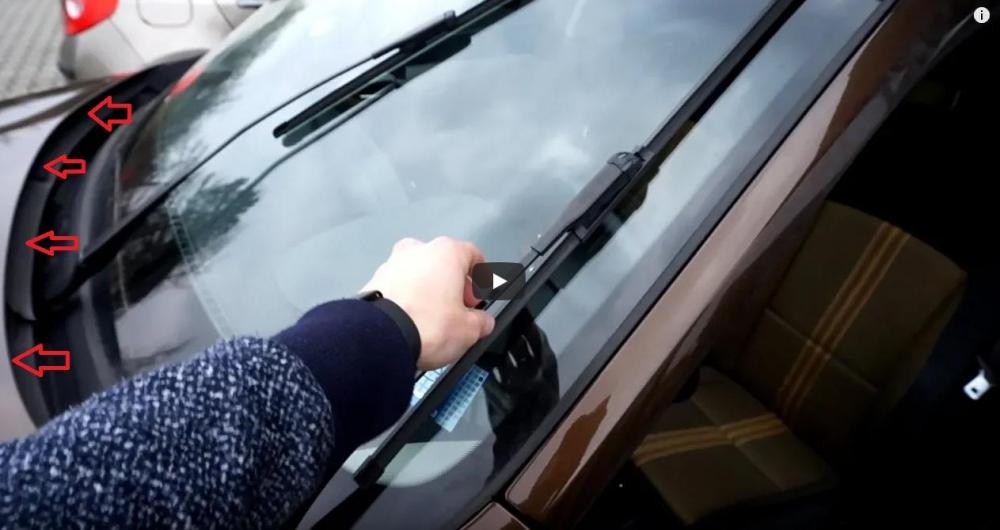
Big design flaw, I know, but when you lift the wiper arms on my F30 they hit the top of the bonnet. The blades need to be cleaned (or replaced) when they are vertical. Thing is car washers/washes don't know this! Was considering some rubber trim on the leading edge of bonnet? What do you guys think?