Oldbrook
Regular Member
-
Joined
-
Last visited
-
 Hi and welcome to the forum. Dave
 -
Hi and welcome to the forum Paul. Lovely looking car. Dave
-
Hi and welcome to the forum Mike. Dave
-
Hi SilverJohn , thanks for that, not very good with computers and my local dealer has fitted a new head unit and up to date maps so I am ok at the minute. Thanks for your reply though. Dave
-
Hi and welcome to the forum mate. Dave
-
Hi aab104 and welcome to the forum. Dave
-
Hi Mark and welcome to the forum. Dave
-
Hi Chris and welcome to the forum. Dave
-
-
Hi Gemma and welcome to the forum. Dave
-
SOLD
-
-
Hi Scooby and welcome to the forum. Dave
-
Oldbrook changed their profile photo
-
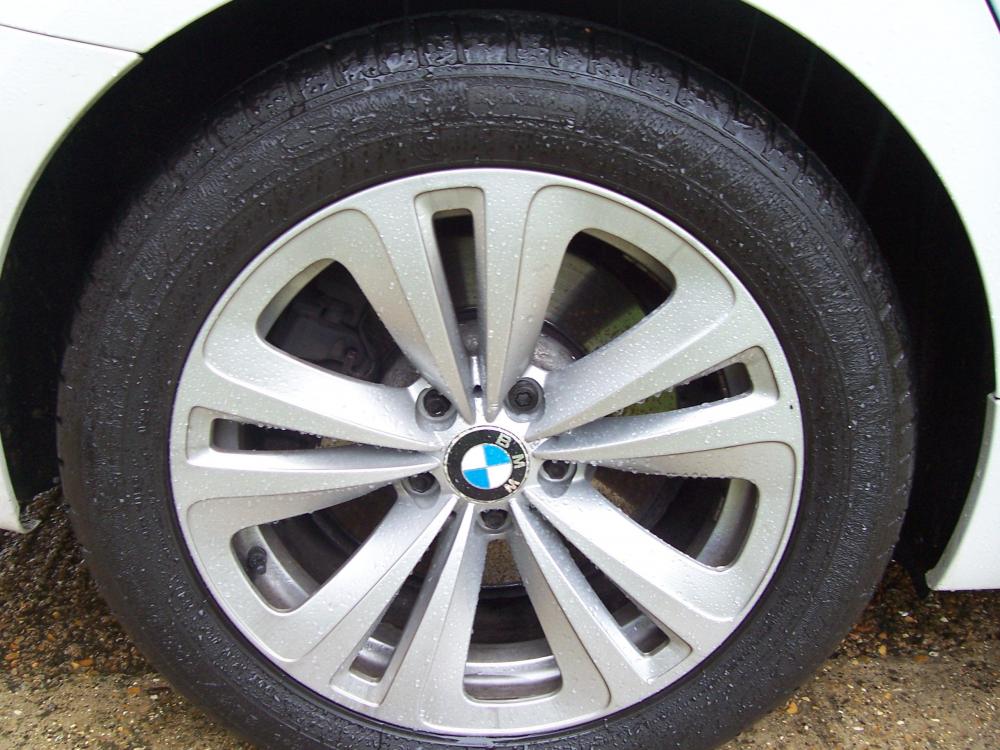
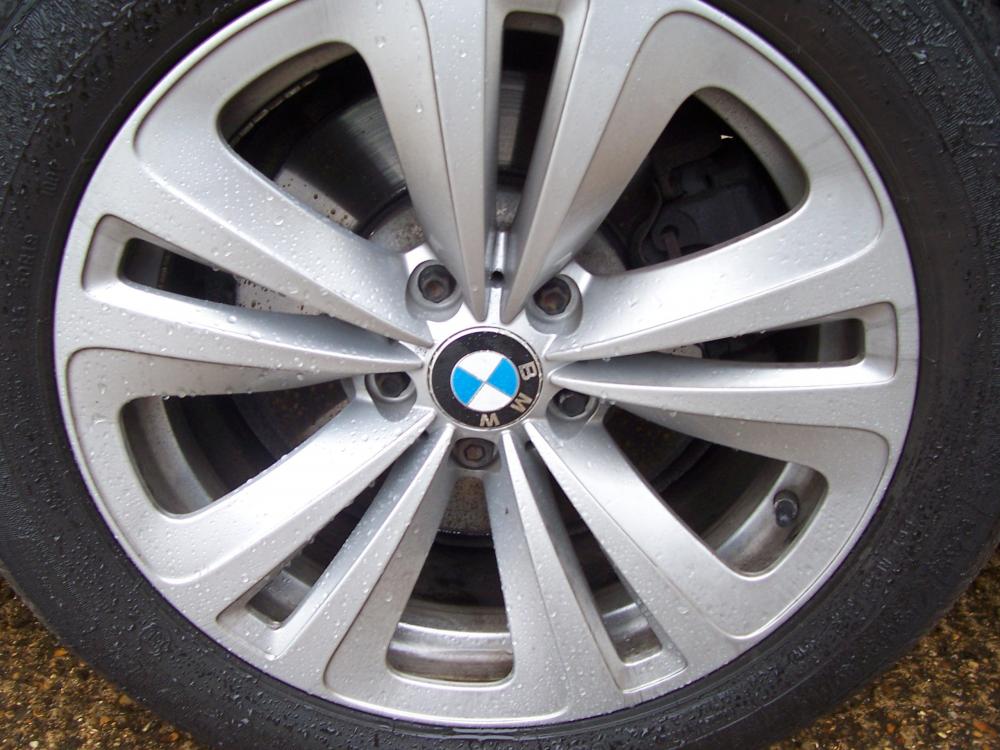
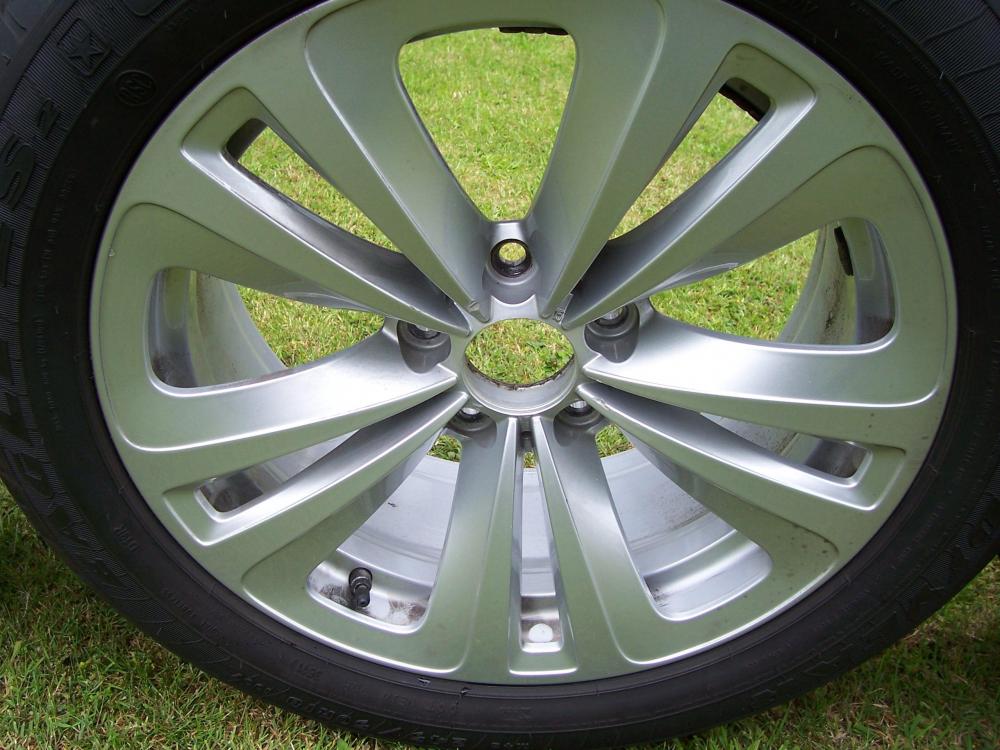
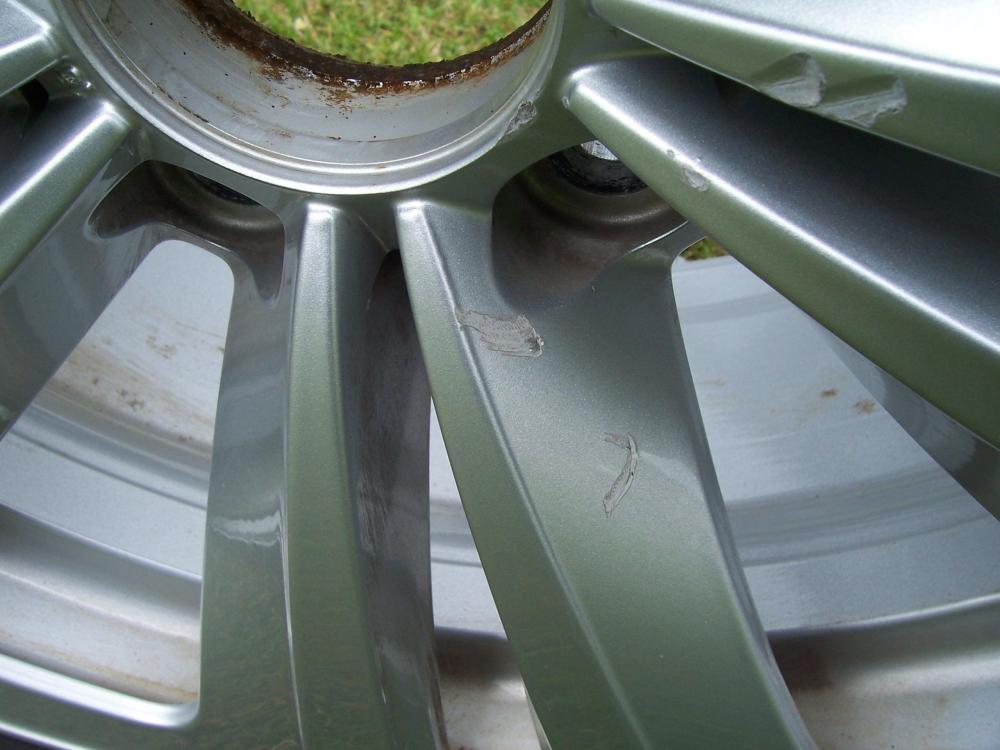
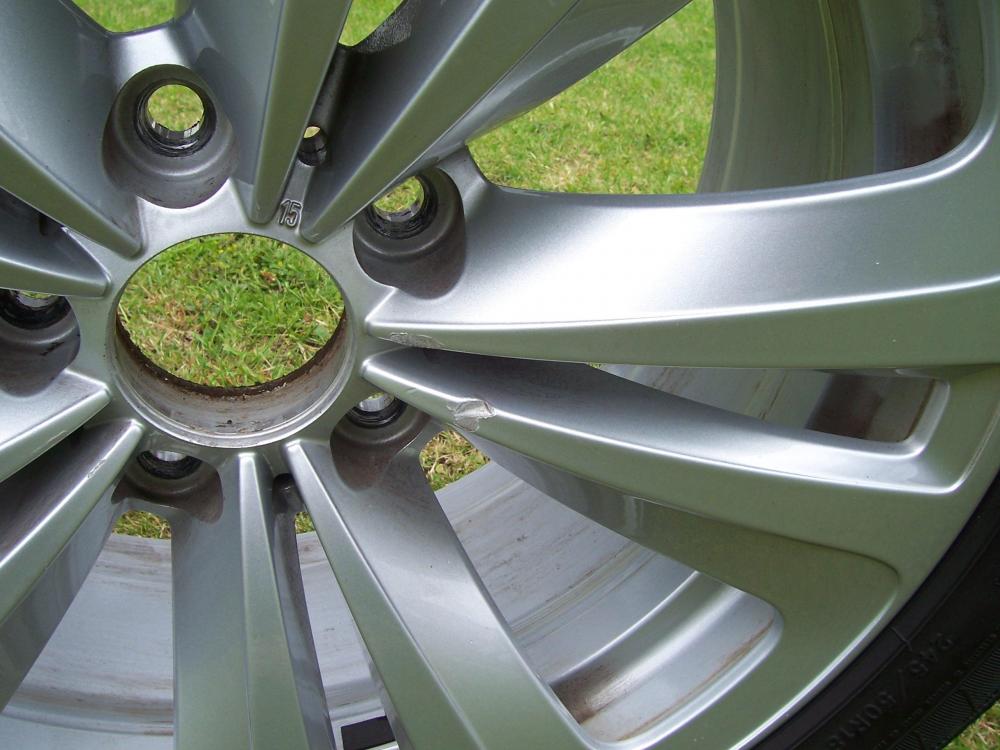
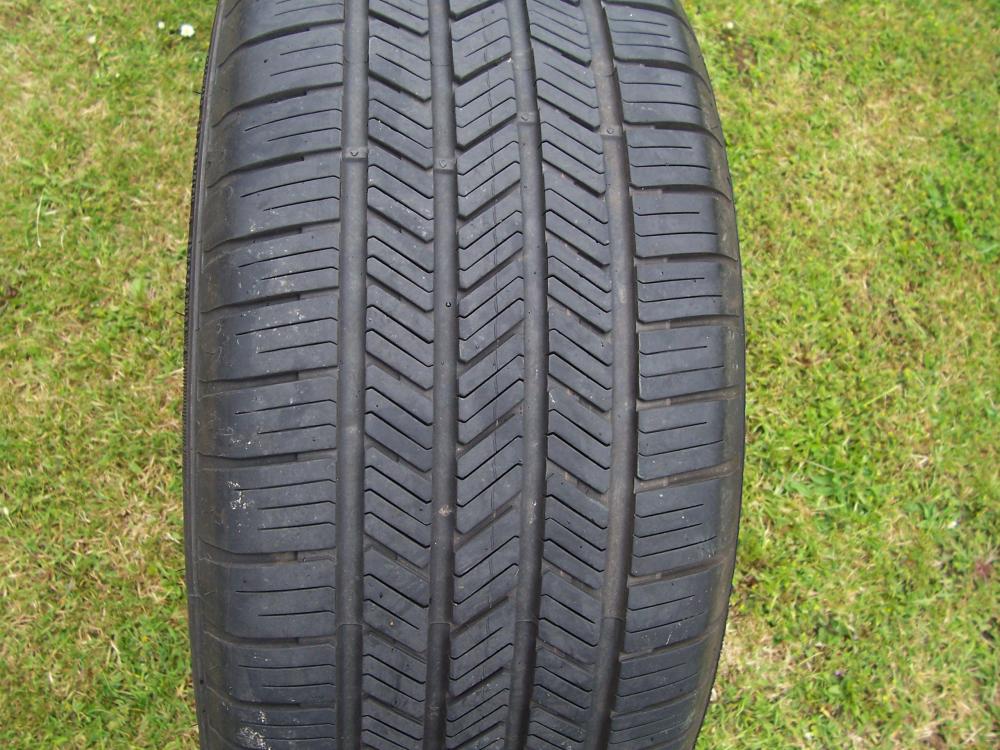
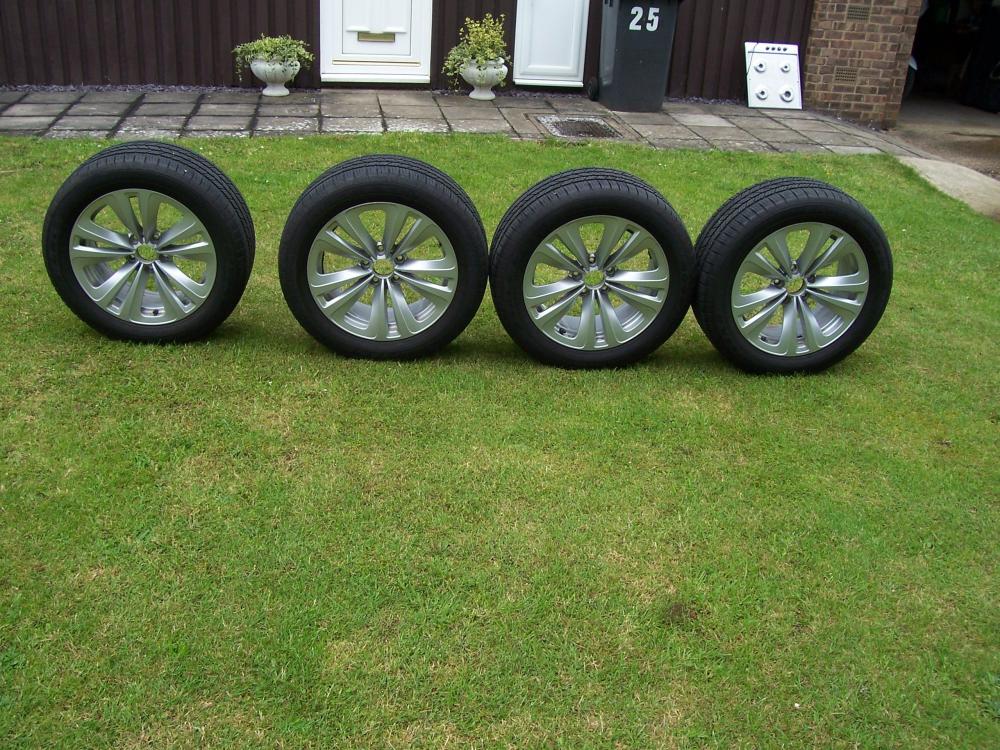
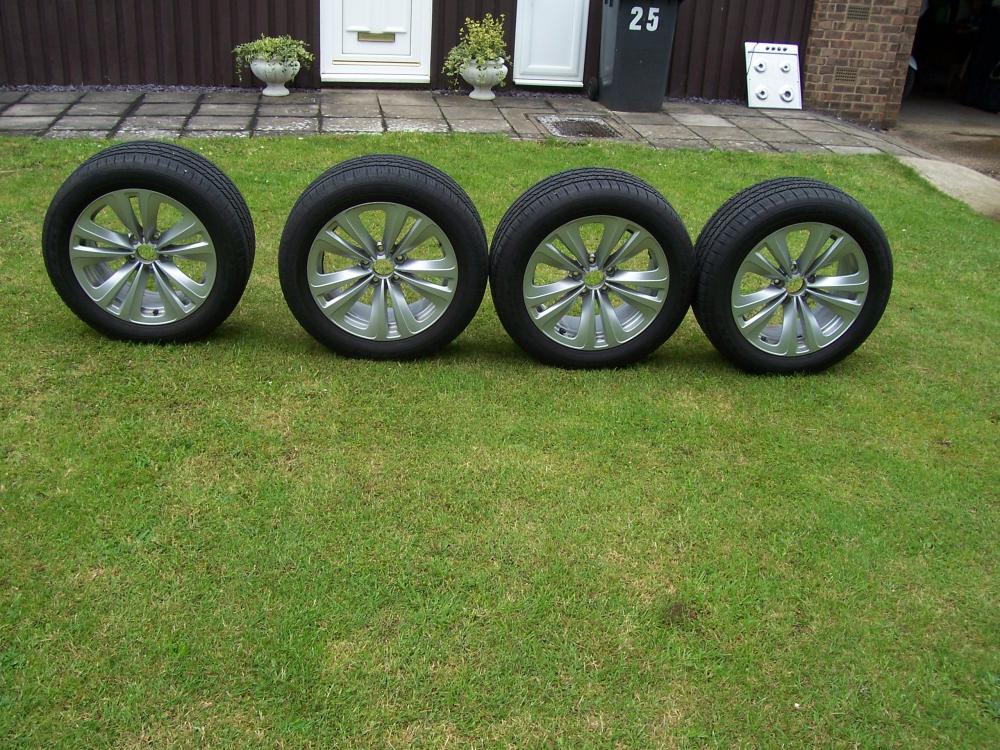
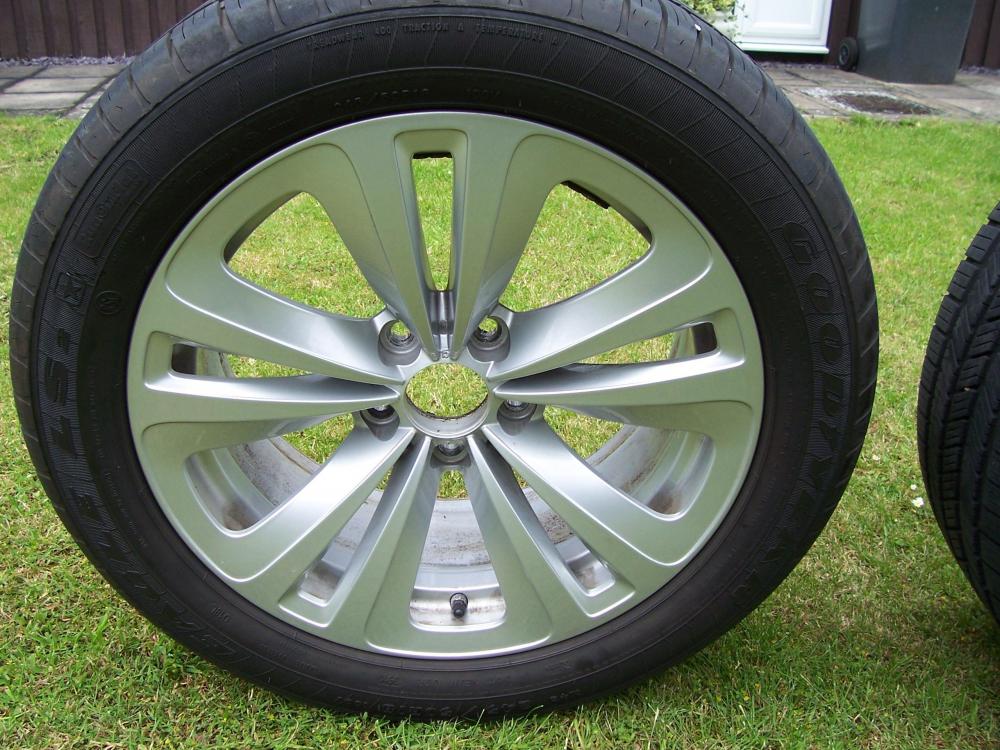
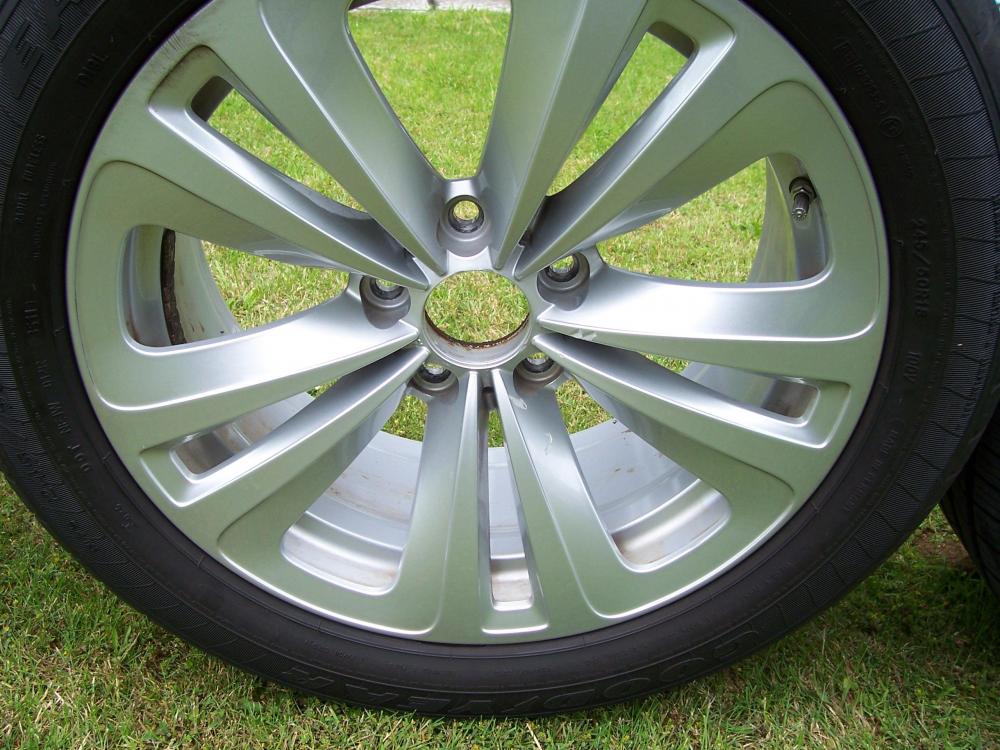
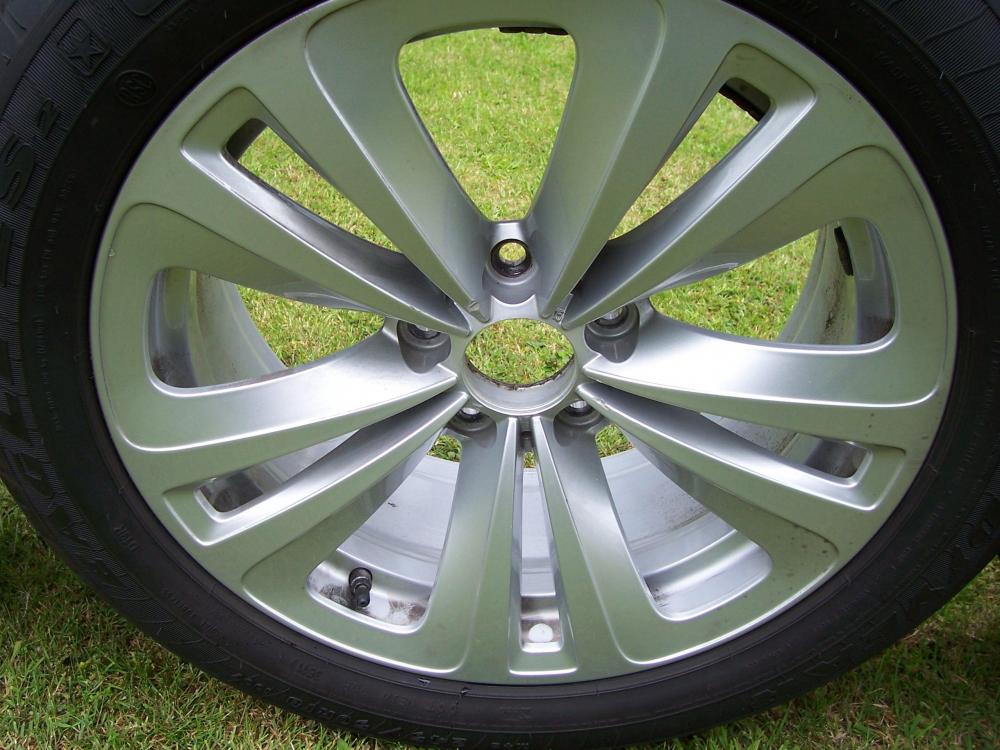
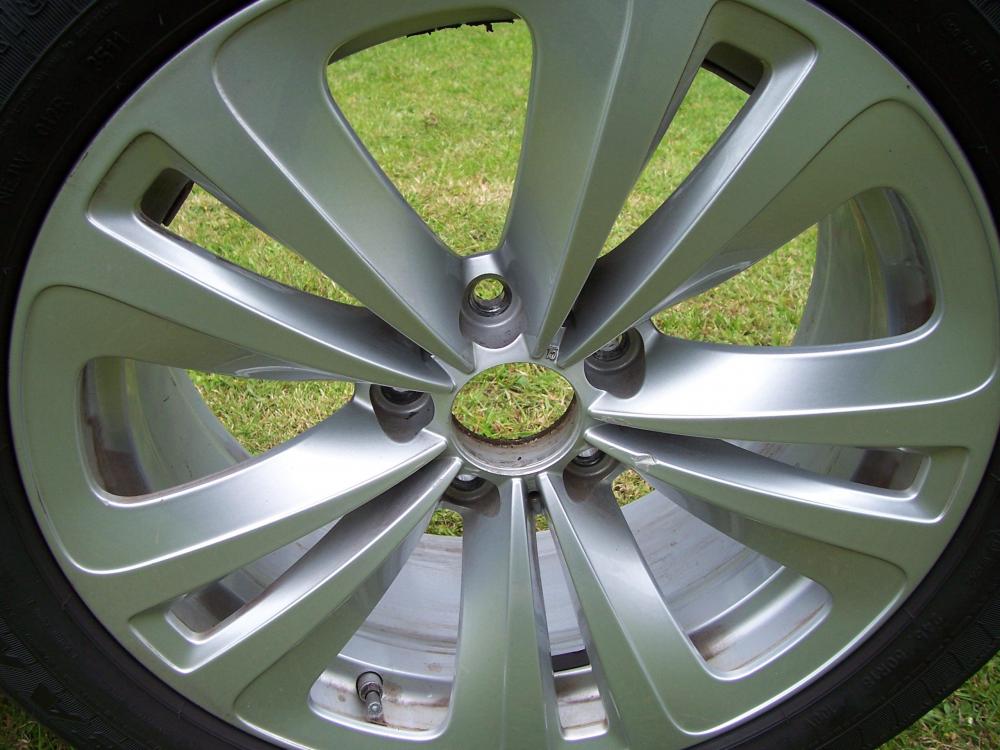
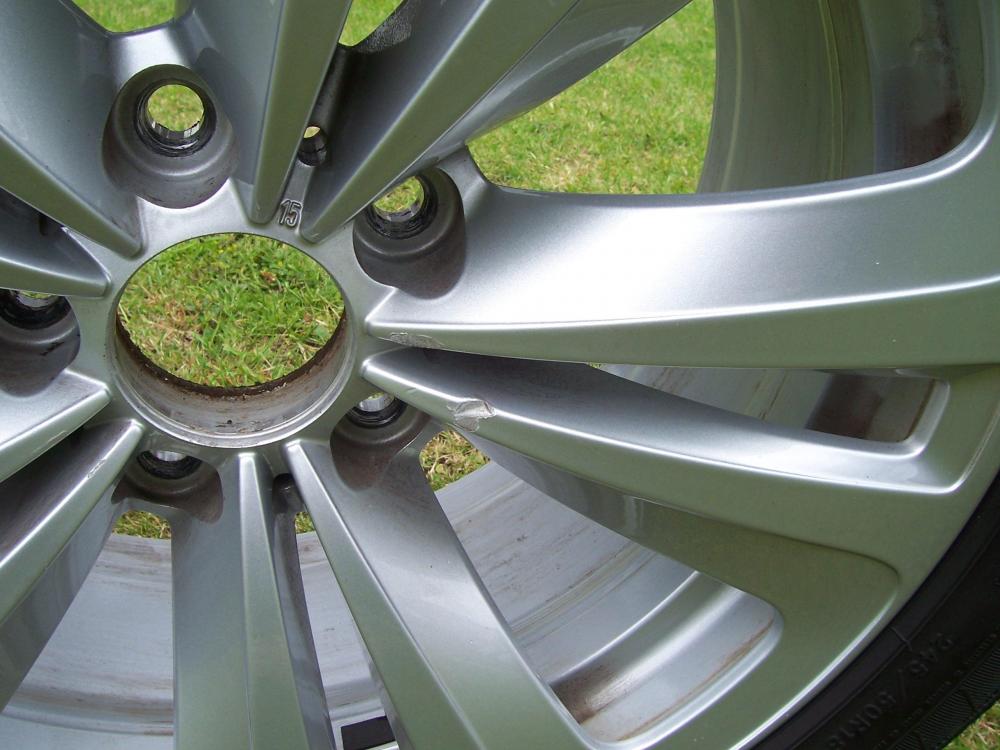
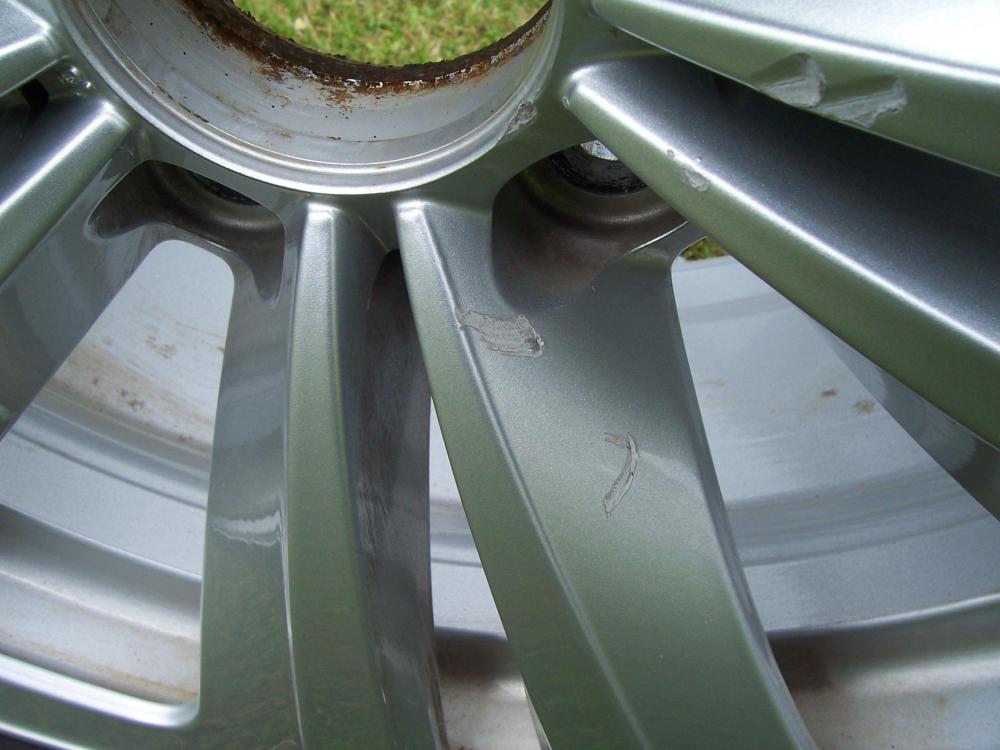
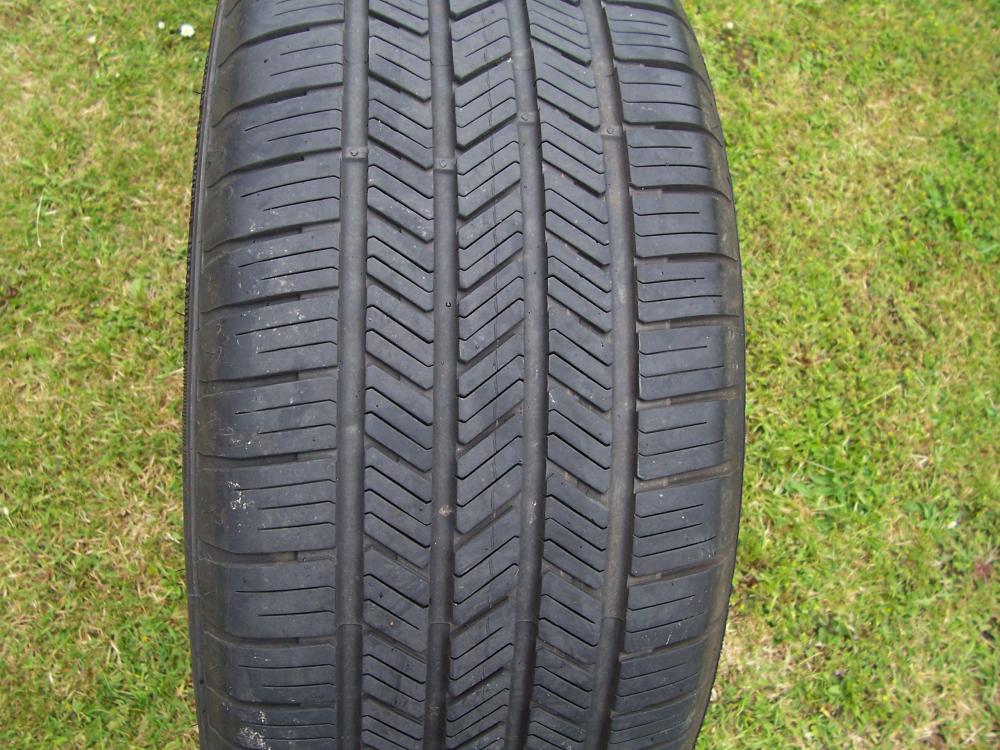
For sale a set of wheels taken of my 5 Series GT but will fit a 7 Series. Tyres are run flat Goodyear Eagle LS2 245/50R18 100V with 7 1/2 mm of tread remaining. Open to offers. Dave
-
I have for sale a set of 4 wheels and tyres taken of my 5 Gt f07. The tyres are 245/50R18 100V Goodyear Eagle LS2 run flats with 7 1/2 mm tread remaining. Open to offers. Dave