


mikesmith2939
Regular Member
-
Joined
-
Last visited
-
 If it's the cigarette type socket you want to add then on mine I have an extra outlet under the glove box that was fitted at the factory.
 -
You're welcome
-
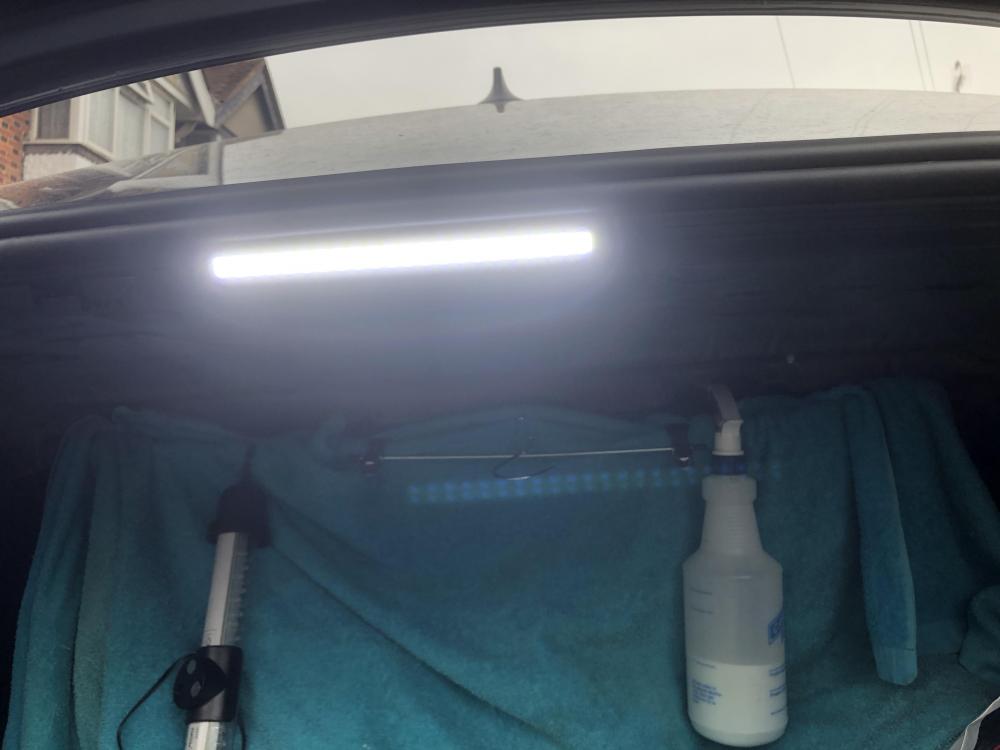
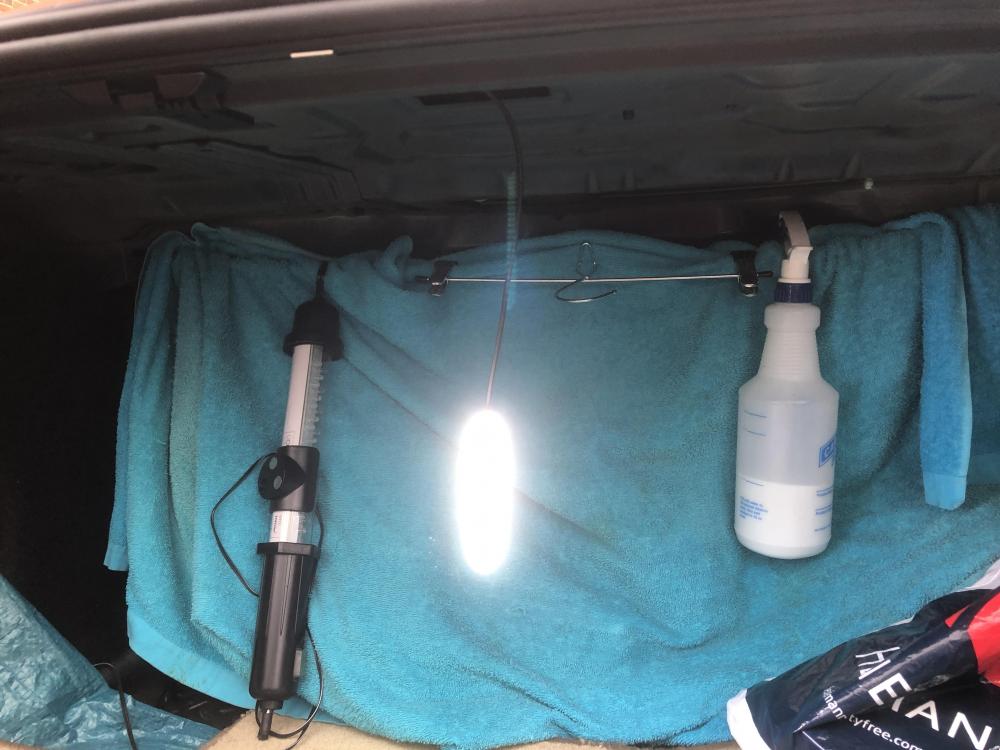
Hi Trevor, The first pic shows the lamp on the metal panel, the second shows the original hole and the lamp hanging on the cable.
-
I have read many find that when they latch the boot floor up the boot light is obscured. I bought two LED strips for £3 of a well known auction site, I took the original light out and connected one of the strips to the plug and attached two small magnets to the back so I can reposition it wherever I want in relation to the cable length.
-
I need to update my profile as it showing my old BMW. I'm not sure an aftermarket system is that easy to fit in the F30.
-
I have just purchased a 2013 F30 320i Xdrive and the bluetooth functions are rubbish compared to my 2009 Ford Mondeo. On the Ford I could get the list of last dialled calls, last incoming calls and all my contacts on the phone option. I also had voice control for everything. On the BMW all I can get it a list of contacts and no voice control. Disappointed is an understatement.
-
Get the codes read, it could be a number of things. How long have you had the car and what sort of driving do you do? The DPF could need regenerating, this can be done by starting it through one of the code readers available quite cheaply on the internet. Otherwise you need to drive the vehicle at a constant speed of 60 mph or above for about 30 mins to start it whilst driving. One of which is the C110 BMW scanner cost around £30 delivered on Ebay
-
Are you sure they're not heated as I believe they are only activated when the outside temp gets below 3˚
-
Have you tried resetting the sensors? Start the car then press and hold the tyre pressure sensor button until the light comes on, then release and start driving
-
Some makes of tyre can cause the same symptoms.
-
-
Usually there is a card with the diagram on tucked into the bottom of the fuse box. It looks like a small white tab sticking out. This maybe the one you need 6567_1378031994524.jpg
-
Handbrake off, wheel off. Then just rotate the disc after each click of the adjuster
-
You get to the adjusters through one of the bolt holes in the wheel, then use a small flat screwdriver to turn the wheel on the adjuster. If you do a search on the internet videos will most likely be available
-
There should be plenty of feeds from the fuse behind the glovebox. In line fuse size depends what you intend to plug in to the socket, different things pull different amps.


