




Jump to content
View in the app

A better way to browse. Learn more.

Bimmer Owners Club - BMW Forum for BMW Owners

A full-screen app on your home screen with push notifications, badges and more.

To install this app on iOS and iPadOS
  1. Tap the Share icon in Safari
  2. Scroll the menu and tap Add to Home Screen.
  3. Tap Add in the top-right corner.
To install this app on Android
  1. Tap the 3-dot menu (⋮) in the top-right corner of the browser.
  2. Tap Add to Home screen or Install app.
  3. Confirm by tapping Install.

Poshman

Regular Member
  • Joined

  • Last visited

Everything posted by Poshman

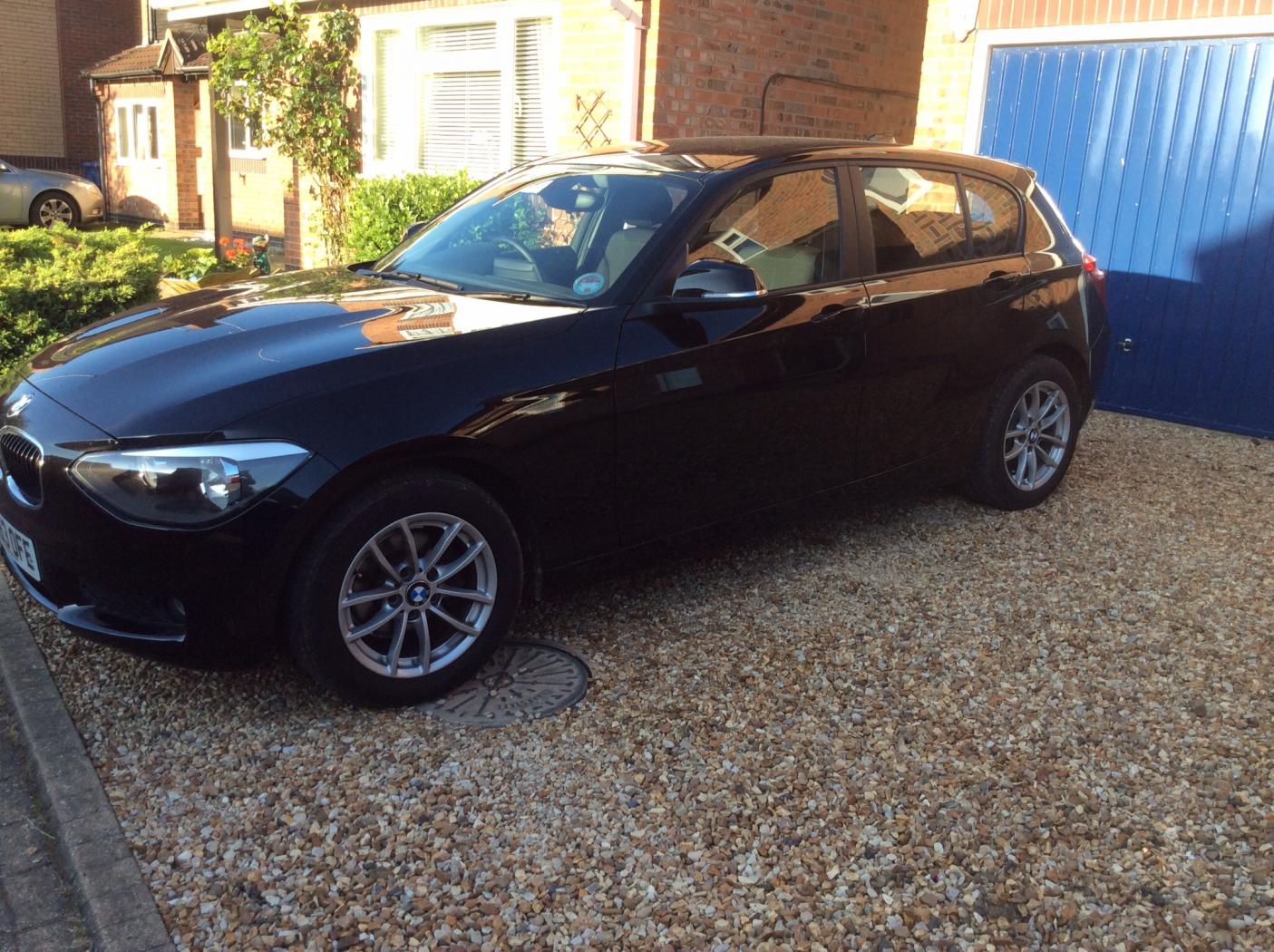
  1. Thank you for the welcome guys I have bought a 116D SE. whatever the SE means i aint got a clue I even thought the 116 meant i have a series 1 with a 1.6 cc but apparently its 1.995 Ive got a year to understand the manual before i retire from work lol Does anybody know why the light switch is on O yet the lights still stay on during the day ? And as for ECO PRO The main difference driving this from my megane is when i put it in 2nd gear the car seems to surge faster maybe its because ive never had a 2 litre ? Cheers P M
  2. Im an old guy with a newish 116D so hi to all :)
  3. Im an old guy with a newish 116D so hi to all :)
Background Picker
Customize Layout

Account

Navigation

Search

Configure browser push notifications

Chrome (Android)
  1. Tap the lock icon next to the address bar.
  2. Tap Permissions → Notifications.
  3. Adjust your preference.
Chrome (Desktop)
  1. Click the padlock icon in the address bar.
  2. Select Site settings.
  3. Find Notifications and adjust your preference.