Nivonco
Regular Member
-
Joined
-
Last visited
-
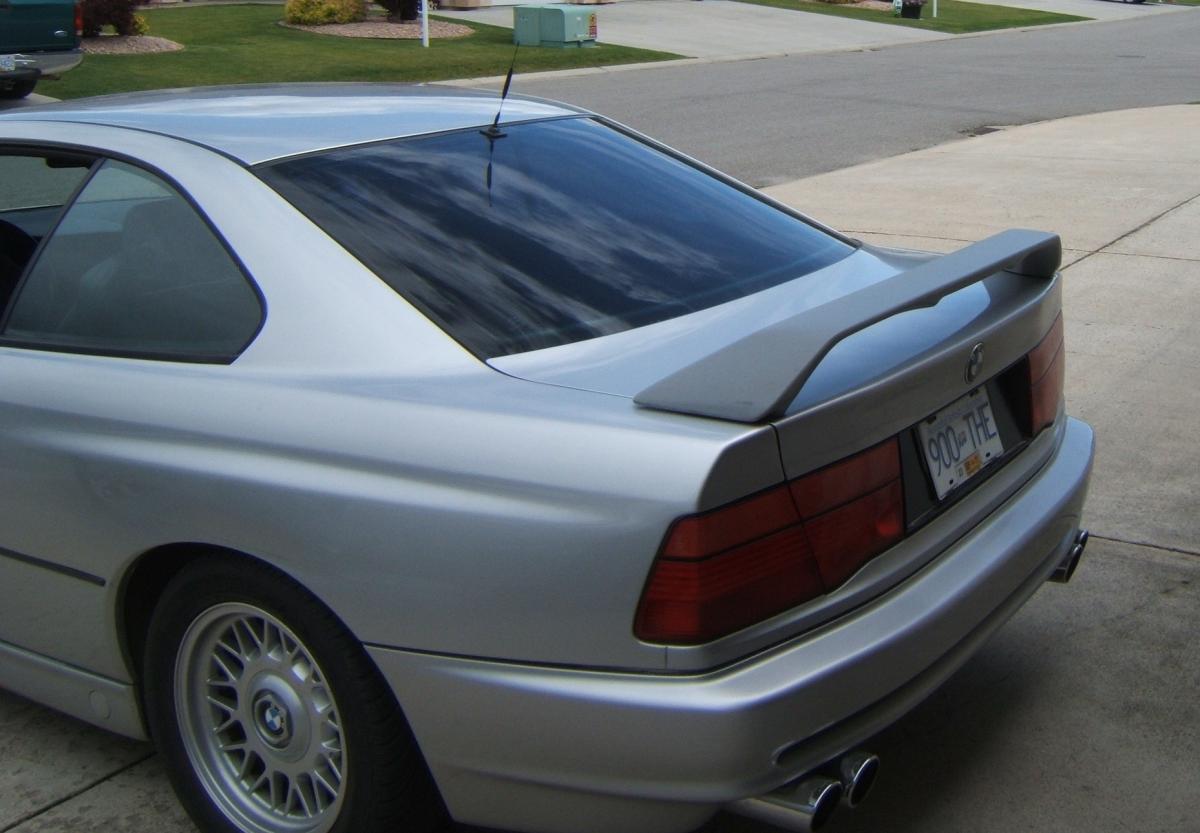
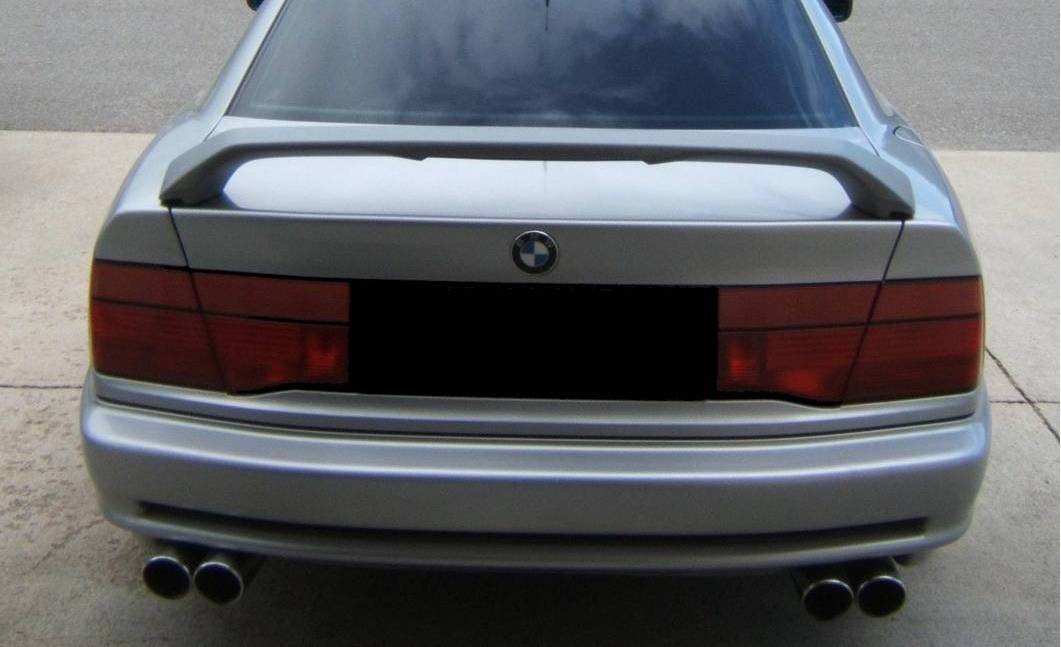
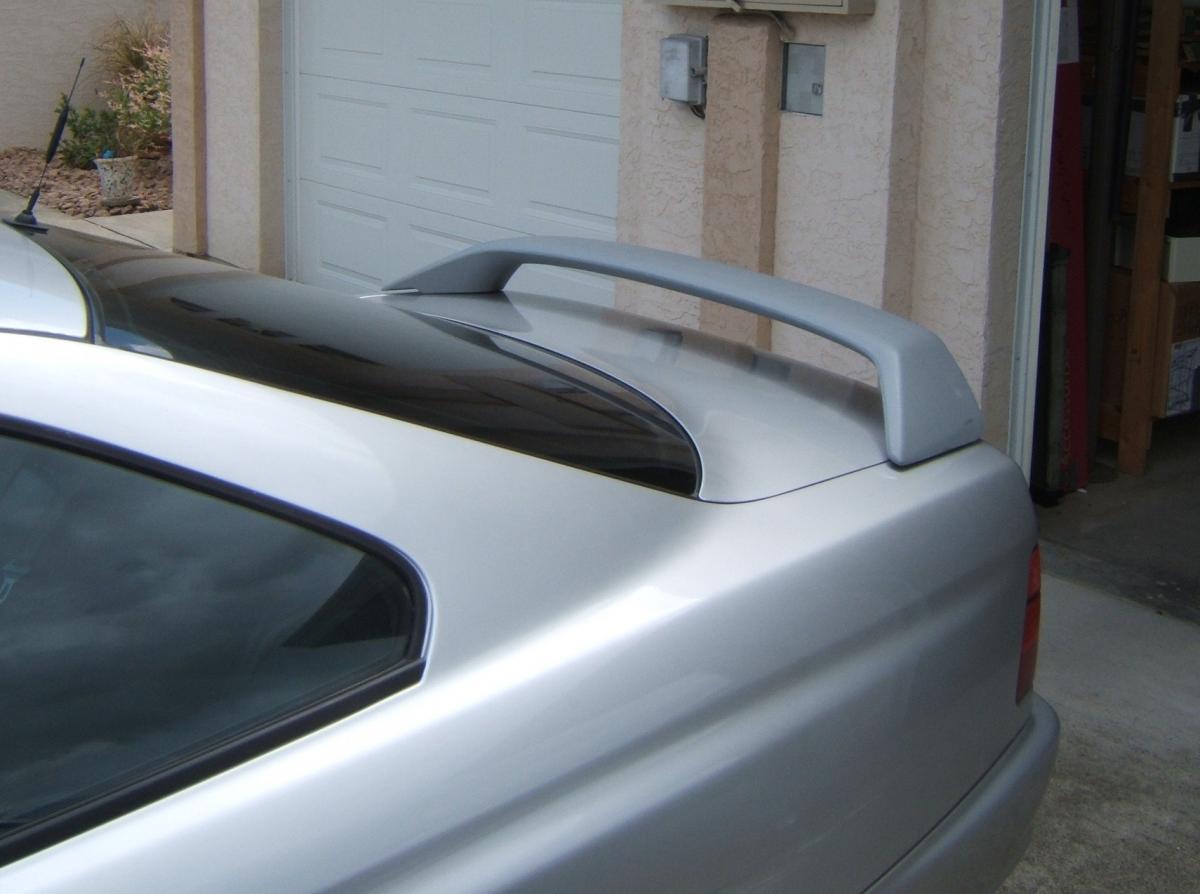
 I have one that I was going to fit on my 850i it has a brake light. I got one without the light now. Im in newark you can have it for £80 you can email me at [email protected] if interested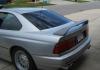
-
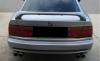
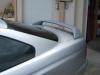
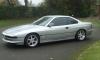
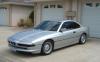
This my car which I have owned for a few years.It is a J spec 850i with 44000kms yes kms on the clock which I imported to Canada fromJapan. I am moving to Newark in the UK and this car although LHD is coming with me.
-
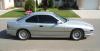
Installed my new MK1s this weekend what an improvement. Went for 17" 8.5 and 10s with 245 45 and 275 40 tyres nitrogen inflated. The 18s look good but with low profile tyres the ride is a bit rough. A fiend of mine has them. I have Eibach lowering springs, Bilsteins ,CSI bars, strong strut tower brace and lower front X Brace.M 5 3,91 LSD. Front sport bumper, rear splitter an M mirrors to be installed. Before and after
-
Hi, Im in Newark on Trent. Returned from Canada after many years [long story] bringing my 1991 44000kms 850i with me
-
-
If anyone is interested I built a website for my car and other 8 series information it is www.nicklonsdale.com
-
Im bringing my 850i to the Uk soon any thing I should be aware of ?
-
 The " Beast" on the boat ramp at Enderby BC Canada
 -
Surfing about BMW