JohnMGray
Regular Member
-
Joined
-
Last visited
Everything posted by JohnMGray
-
Thanks for all your help Dave! I will have a chance to work on things this weekend and will let you know what happens. John
-
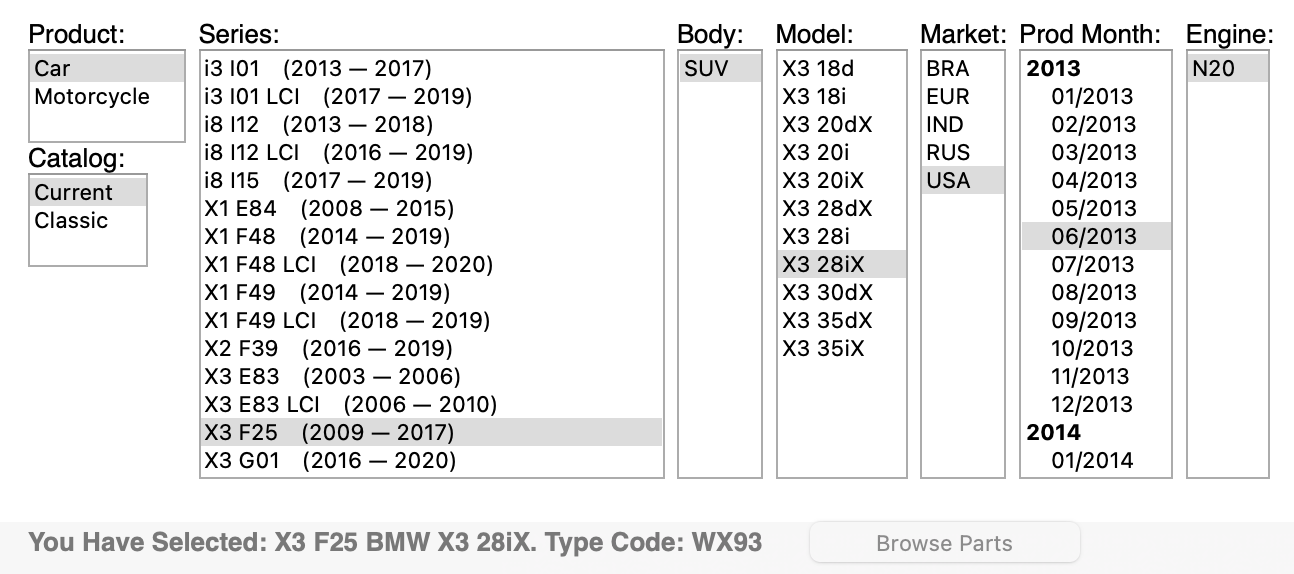
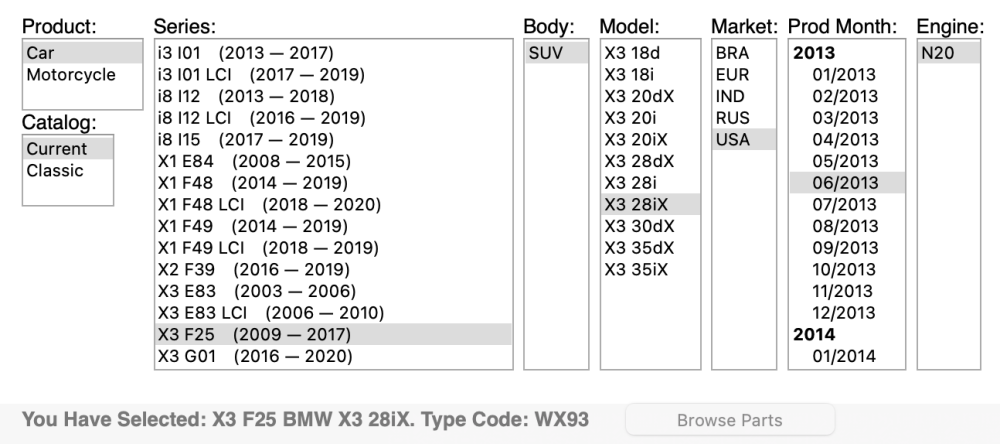
Hi Dave Nice to have friends in BMW right? Looks like my X3 build month/year was 06/13. I'm thinking about giving BimmerLink a try before I start replacing sensors or batteries since my OBD adapter is compatible with my X5 too for any future things that might pop up. I'm going to call the dealership where I got the new RDC and see if they have any info also. John
-
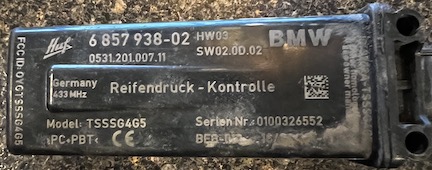
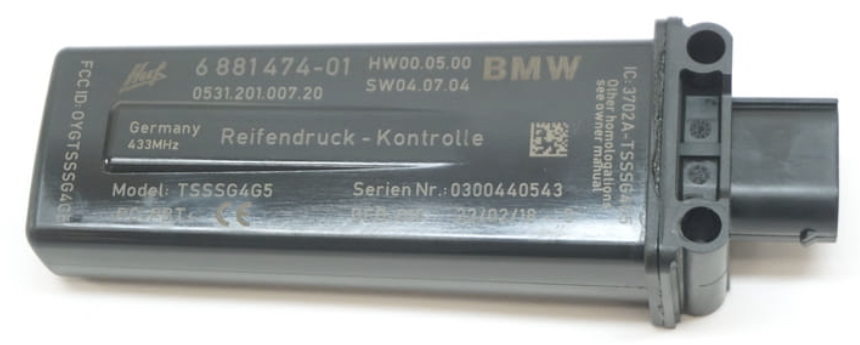
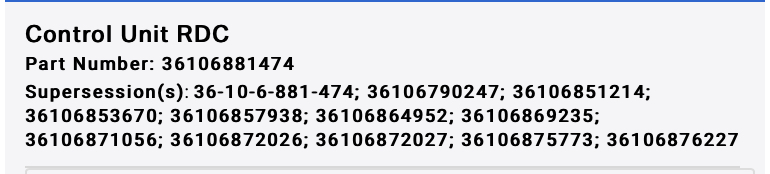
Hello Dave. Thank you for your response. Tried the battery trick. Thanks youtube. Looks like it's the right replacement part. It bothers me that the BimmerCode options for coding are "Display pressure only, Display temperature and pressure or Not Active, like I might not have the right version for the X3 since the TPMS has always only shown green tires instead of the pressure and/or temperature. It does reset though and works until I drive it and shut it off and then I get the error again. I also have a 2015 X5 xDrive35i F15. It shows the tire pressure. Still not sure how to register the new RDC to the Chassis? John
-
Hi Dave. Thank you for the welcome. I'm new to coding, so I'm not sure if I coded the RDC to the Chassis. When I log into BimmerCode, I do select X3 as the vehicle. I don't think I can clear Fault Codes with Bimmercode. I think I might need to purchase BimmerLink for that? All the tires have the correct pressure and I had a local tire shop check the individual wheel sensors and they are all working. John
-
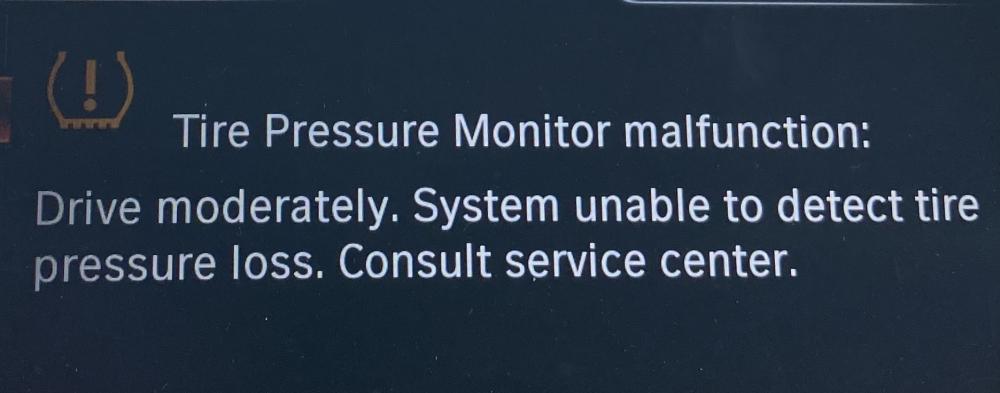
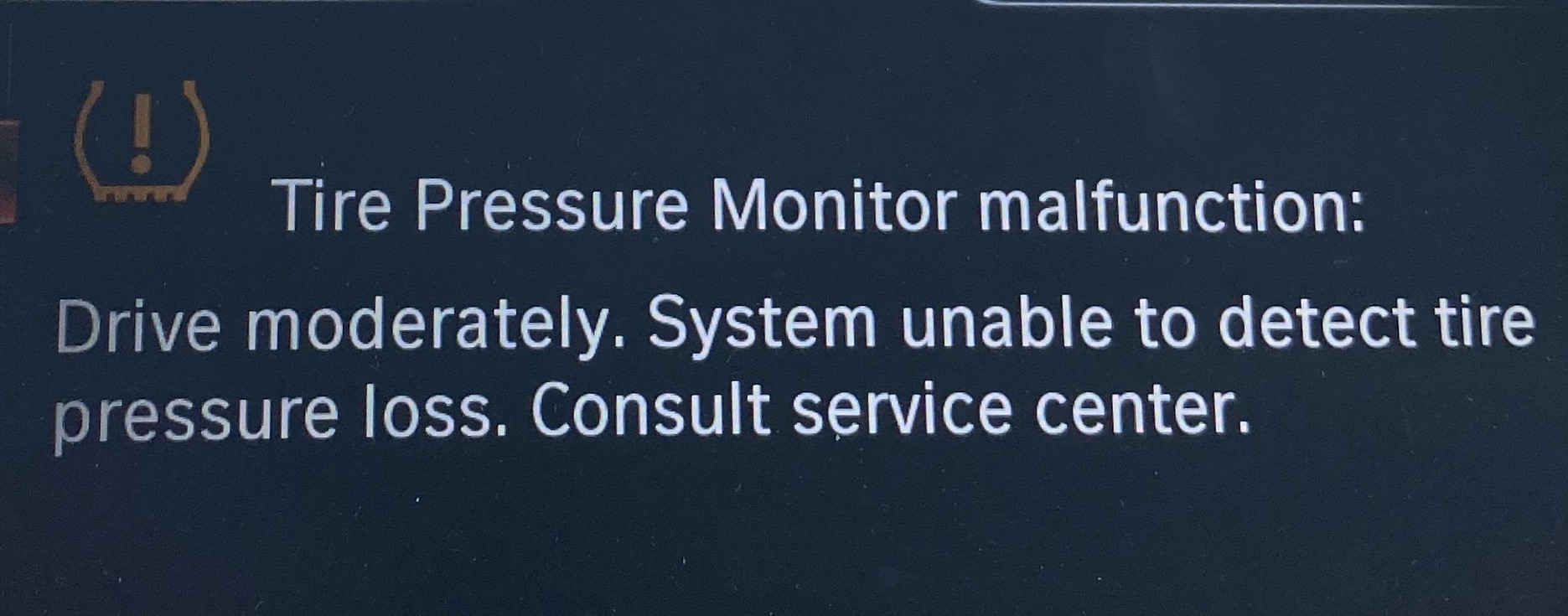
I keep getting "Tire Pressure Monitor malfunction:" I had the sensors checked on each tire and they seem to be working fine. I installed a new RDC control unit. I bought the Veepeak OBDCheck BLE+ and I bought the Bimmercode full version and installed it on my iPhone. I can get rid of the "Tire Pressure Monitor malfunction:" message when I code the Tire pressure control on Bimmercode, but as soon as I shut the X3 off and restart it, the "Tire Pressure Monitor malfunction:" error message appears again. Also, The Bimmercode options for coding are "Display pressure only, Display temperature and pressure or Not Active." My X3 has never shown the actual pressure or temperature, it just shows green tires when the TPMS is active and the tire pressure is okay.