Jump to content
View in the app

A better way to browse. Learn more.

Bimmer Owners Club - BMW Forum for BMW Owners

A full-screen app on your home screen with push notifications, badges and more.

To install this app on iOS and iPadOS
  1. Tap the Share icon in Safari
  2. Scroll the menu and tap Add to Home Screen.
  3. Tap Add in the top-right corner.
To install this app on Android
  1. Tap the 3-dot menu (⋮) in the top-right corner of the browser.
  2. Tap Add to Home screen or Install app.
  3. Confirm by tapping Install.

simonb235

Regular Member
  • Joined

  • Last visited

  1. You're looking at anything between £1500-£2000 for a very good job. I'll get more pics up when I get chance and I'll show the attention to detail where he's used black to highlight certain areas. I was shocked at how good it is. Need a big meet to happen aswell really. Would be good!
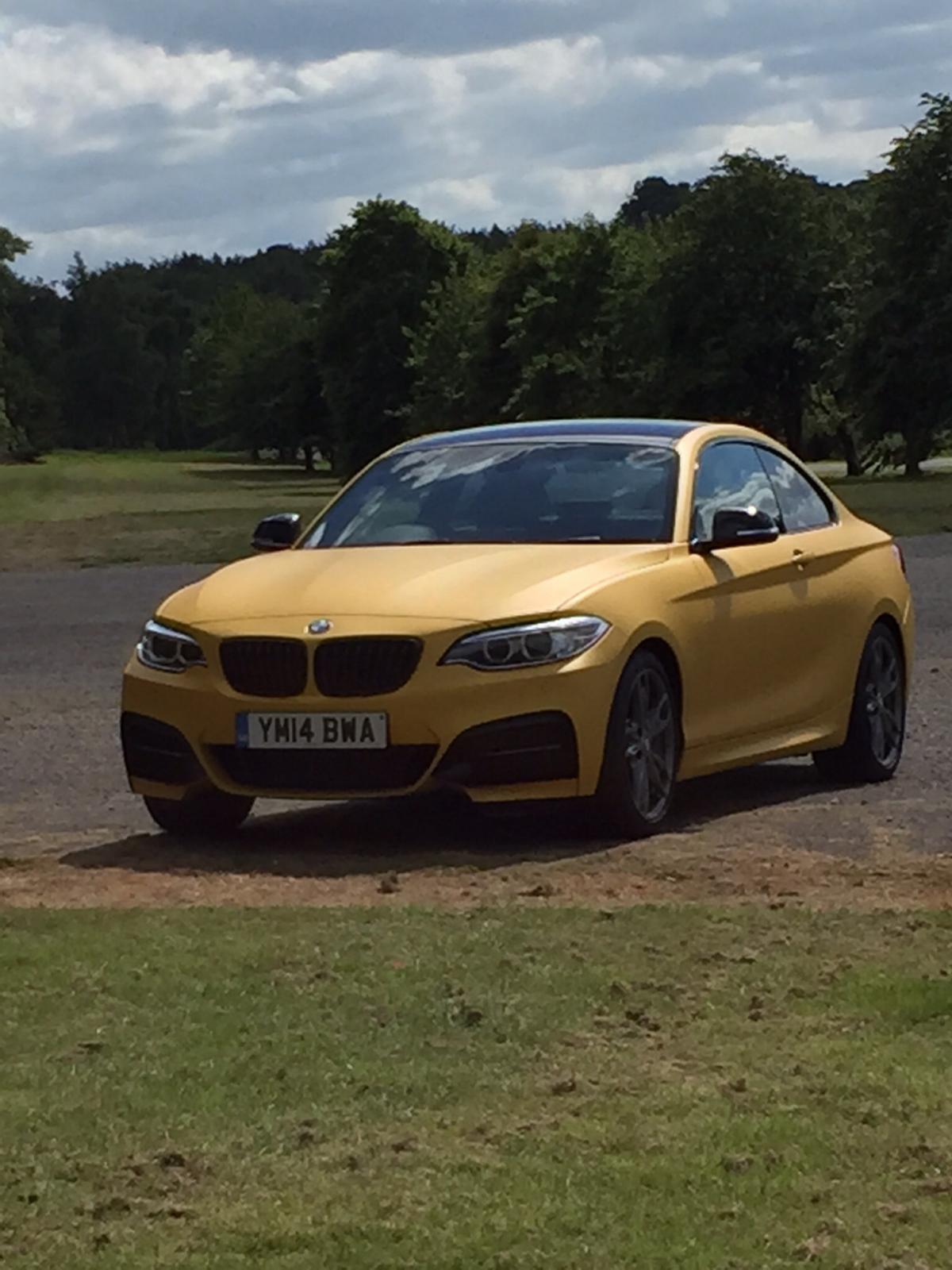
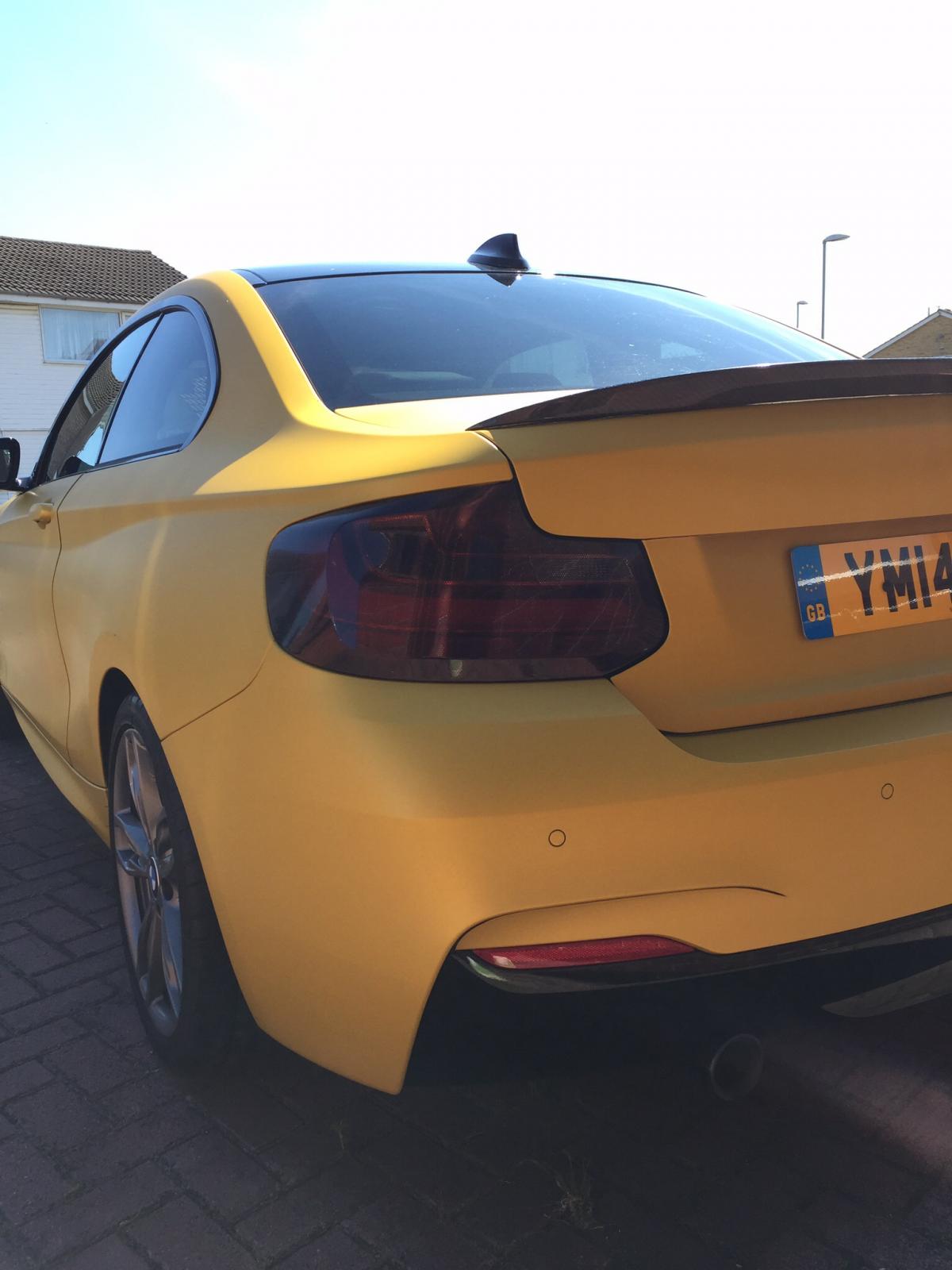
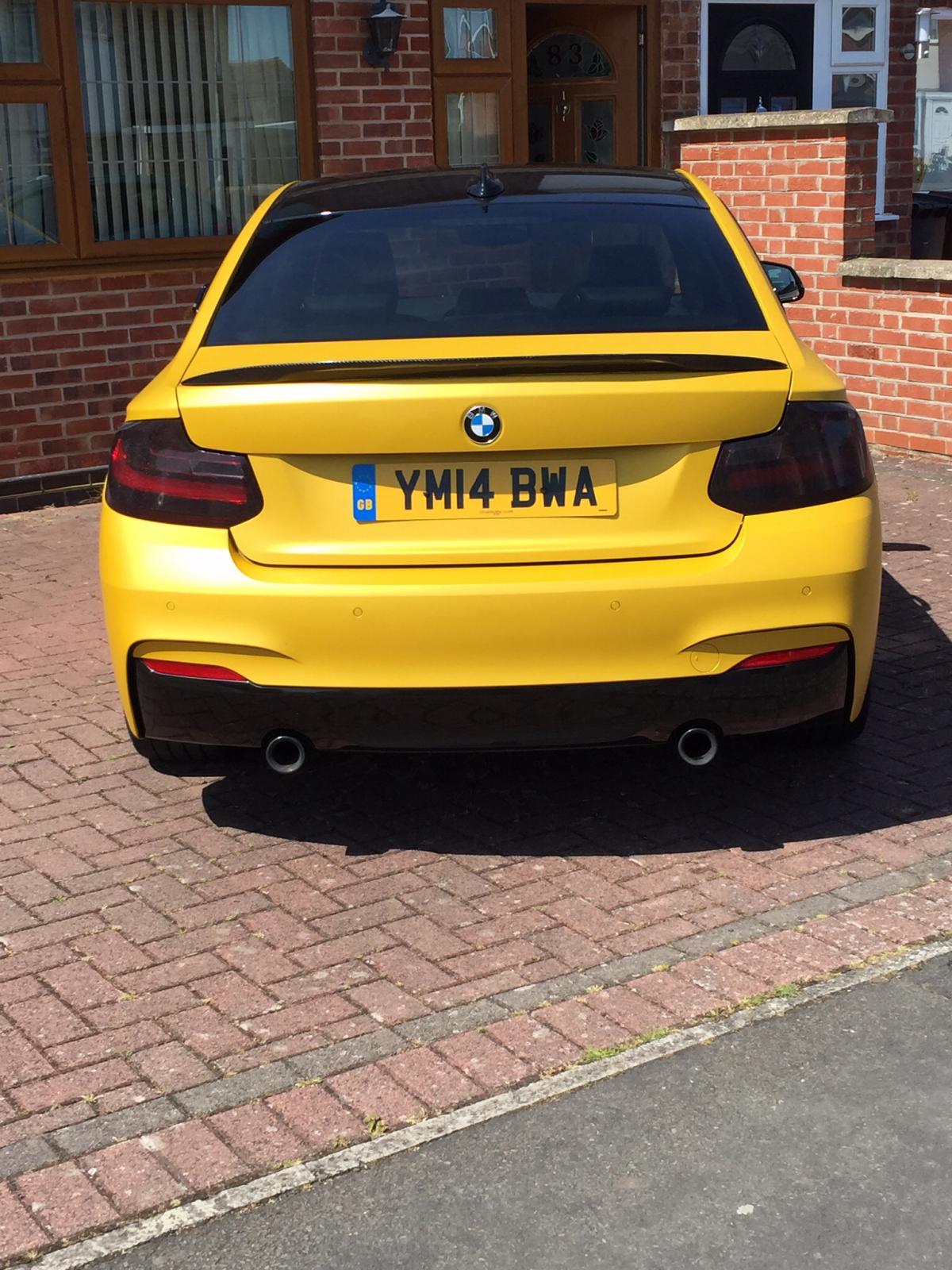
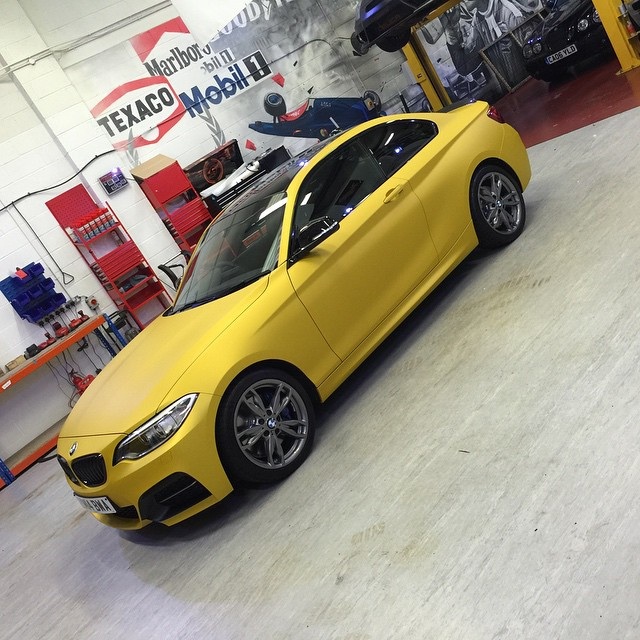
  2. It's a vinyl wrap. The material is by Arlon and called heatwave. Its a matt yellow. Looks different in dull cloudy days and in bright sunny days.
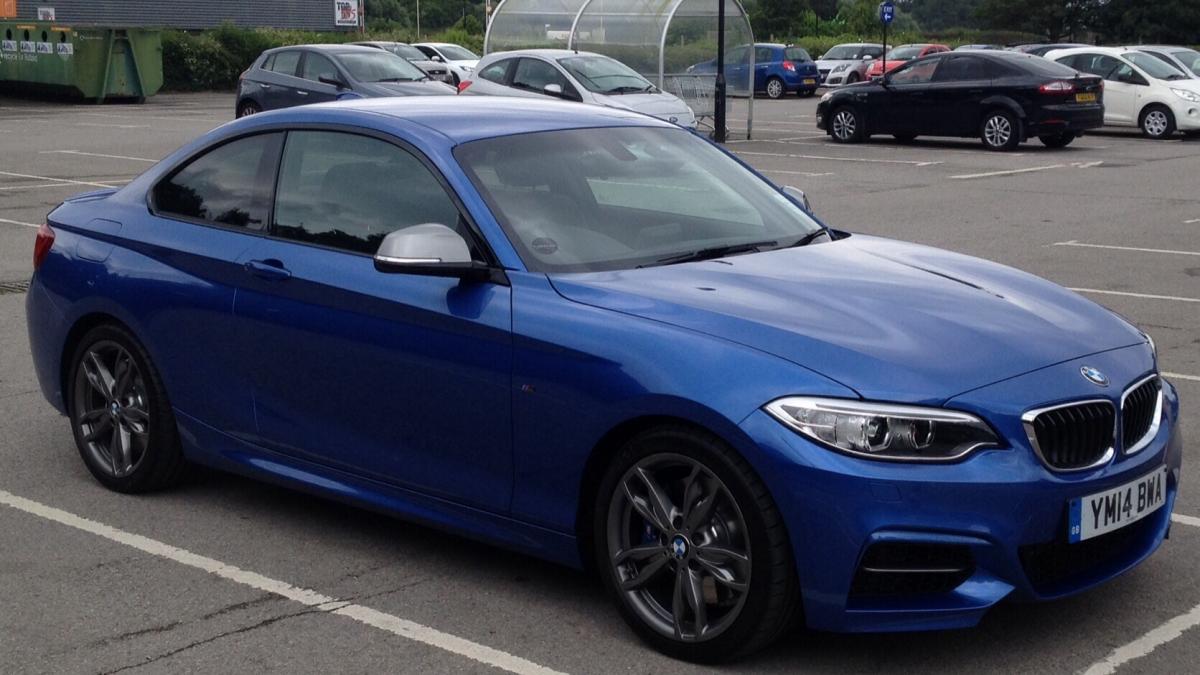
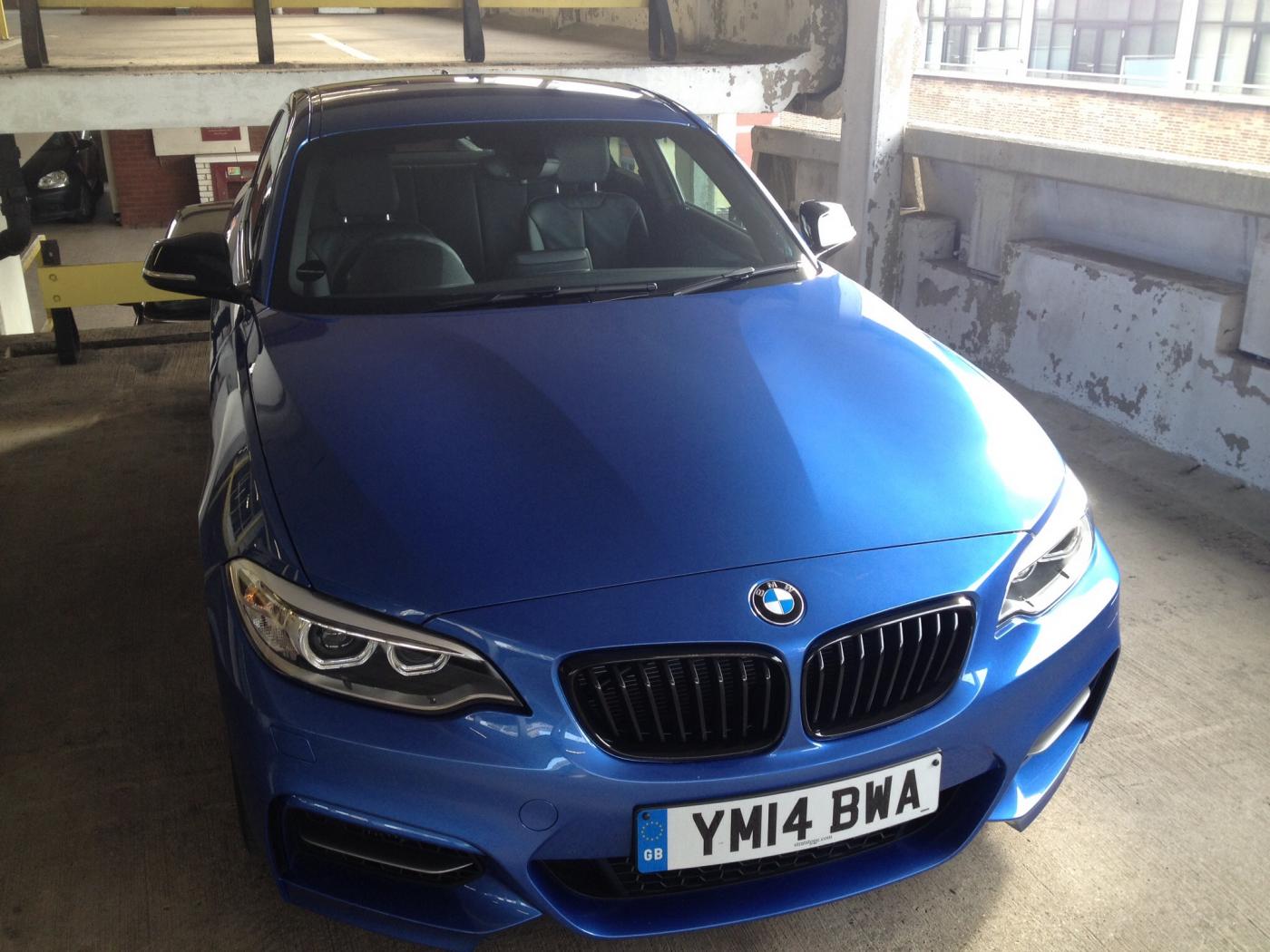
  3. Joined a while back and thought I'd post a few pics of my m235i. What it was to what it is now. Not the best of pics but I've been enjoying driving rather than taking pics lol!!
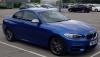
  4. New to the site but not new to bmw's. Had a 2010 320d msport coupe (stolen in burglary) Now have a brand new m235i, picked it up last July :) loving every minute of owning it!

eBay disclaimer: As the club is an eBay Partner, The club may be compensated if you make a purchase you make on eBay via the club.

DISCLAIMER: Bimmerownersclub.com is an independent BMW car forum for owners of BMW vehicles. The club is not part of BMW nor affiliated with or endorsed by the offical BMW AG in any way. The material contained in the forums is submitted by the general public, and is not endorsed by Bimmer Owners Club, BMW AG, or Bayerische Motoren Werke AG. The official website for BMW AG can be found at http://www.bmw.co.uk
Background Picker
Customize Layout

Configure browser push notifications

Chrome (Android)
  1. Tap the lock icon next to the address bar.
  2. Tap Permissions → Notifications.
  3. Adjust your preference.
Chrome (Desktop)
  1. Click the padlock icon in the address bar.
  2. Select Site settings.
  3. Find Notifications and adjust your preference.