gmac00
Members via FB
-
Joined
-
Last visited
Everything posted by gmac00
-
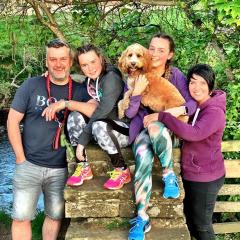 Hi, My name is Graham and I live in Hamilton , South Lanarkshire. I just picked up my 13 plate 520D M Sport so thought I would join up here to see what was happening. Had the car since Friday and to be honest I have not stopped grinning. Looking forward to getting loads of good advice on here. I have added a photo of my new best friend :D Cheers Graham