


Matt Alexander
Members via FB
-
Joined
-
Last visited
-
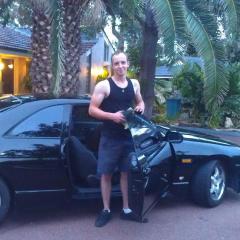 hi i was at a drag racing event today in cumbria with my 323i, i was running consistant 15s best been 15.47 but i just need that exstra little bit dose any one have any ideas with engine tuning n what the best way of doing it what kinda bhp can i get out of one of the 323 (im a machanic so im quite handy) with this been my first bmw i dnt no many trics with them, any advice would be helpfull thanks
eBay disclaimer: As the club is an eBay Partner, The club may be compensated if you make a purchase you make on eBay via the club.
DISCLAIMER: Bimmerownersclub.com is an independent BMW car forum for owners of BMW vehicles. The club is not part of BMW nor affiliated with or endorsed by the offical BMW AG in any way. The material contained in the forums is submitted by the general public, and is not endorsed by Bimmer Owners Club, BMW AG, or Bayerische Motoren Werke AG. The official website for BMW AG can be found at http://www.bmw.co.uk
DISCLAIMER: Bimmerownersclub.com is an independent BMW car forum for owners of BMW vehicles. The club is not part of BMW nor affiliated with or endorsed by the offical BMW AG in any way. The material contained in the forums is submitted by the general public, and is not endorsed by Bimmer Owners Club, BMW AG, or Bayerische Motoren Werke AG. The official website for BMW AG can be found at http://www.bmw.co.uk