


Welshconnection
Regular Member
-
Joined
-
Last visited
Everything posted by Welshconnection
-
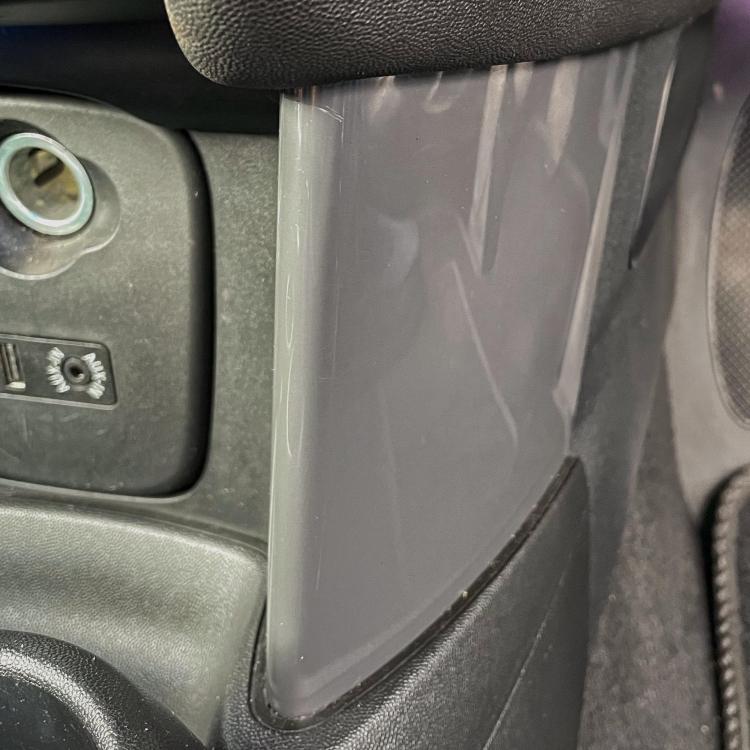
Decided to go for it and removed / loosened the centre console , which then enabled me to remove the trims..
-
Hi everyone, new member from sunny Anglesey with a new to me Mini Cooper 2016 F57. Recently bought some Piano Black dash trims to replace the ones on my car, looking for some advice on how to remove the two at the bottom of the middle dash trim either side of the usb connectors etc. Do I need to remove the centre console at all please or is there an easier way ? Thank you..

eBay disclaimer: As the club is an eBay Partner, The club may be compensated if you make a purchase you make on eBay via the club.
DISCLAIMER: Bimmerownersclub.com is an independent BMW car forum for owners of BMW vehicles. The club is not part of BMW nor affiliated with or endorsed by the offical BMW AG in any way. The material contained in the forums is submitted by the general public, and is not endorsed by Bimmer Owners Club, BMW AG, or Bayerische Motoren Werke AG. The official website for BMW AG can be found at http://www.bmw.co.uk
DISCLAIMER: Bimmerownersclub.com is an independent BMW car forum for owners of BMW vehicles. The club is not part of BMW nor affiliated with or endorsed by the offical BMW AG in any way. The material contained in the forums is submitted by the general public, and is not endorsed by Bimmer Owners Club, BMW AG, or Bayerische Motoren Werke AG. The official website for BMW AG can be found at http://www.bmw.co.uk