Chris135ie88
Regular Member
-
Joined
-
Last visited
Everything posted by Chris135ie88
-
 Update. As @Greydog implied, I do have CCC and I’ve also found out that the 4:3 flip up screen was an option that may have only been available on the e82/e88. I purchased a 2019 map update disc from eBay and so far so good, maps are very up to date, even has the Mersey Gateway (new Runcorn Bridge) on it. So this has fulfilled my needs, the car is only a weekend toy so I don’t need all the extras that a complete system upgrade to CIC or later would give, so I’m quite happy.
 -
Thanks for all the info, I have also checked the build sheet via the vin and it has 609 (Navigation System Professional) so after some research i have bought the 2019 map disc. I will post an update once its arrived and share the outcome.
-
Thanks Dave, tbf I’m quite happy with it and I just want a newer map disc, thanks for the advice on the vin decoder, I’ll give it a try
-
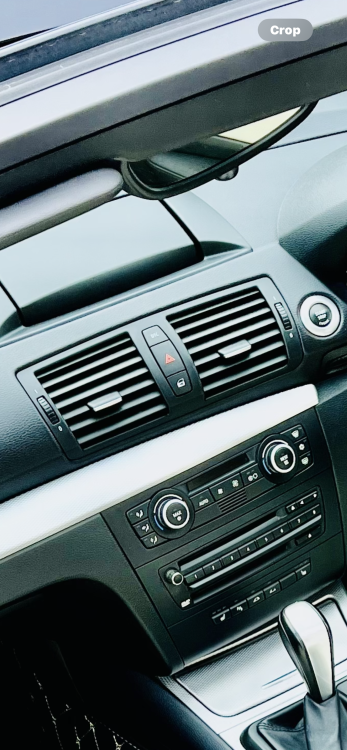
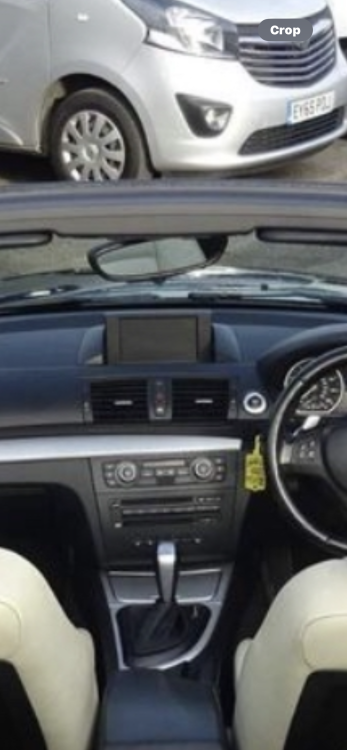
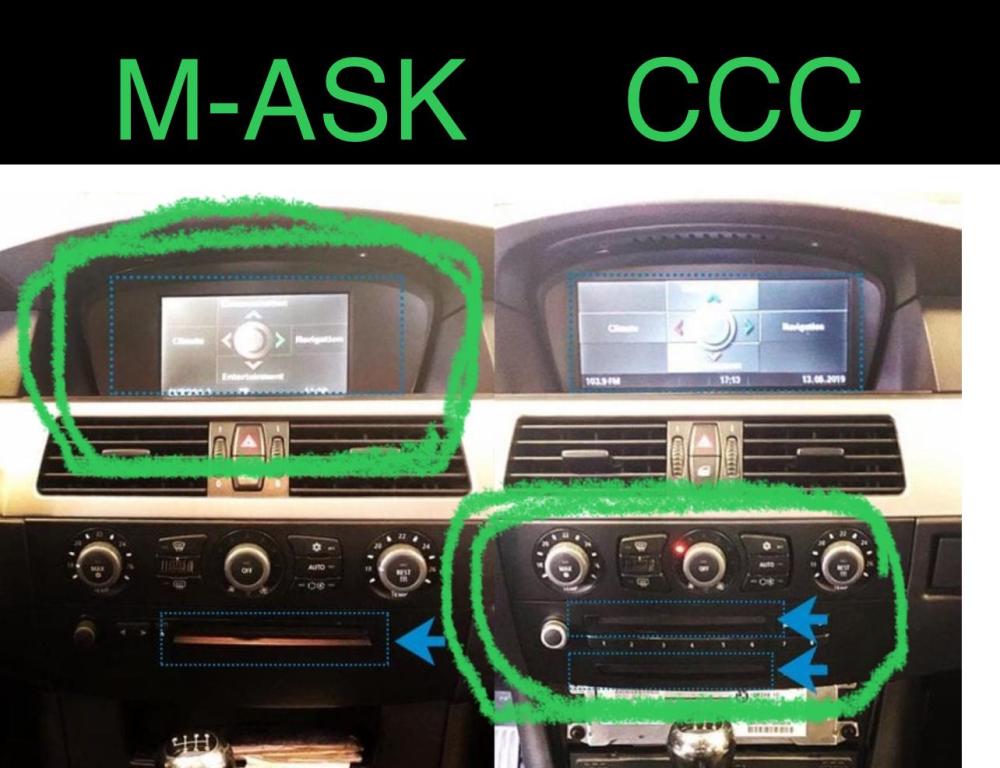
Hi all, new to the forum so sorry if this has been covered before. I have a 2009 1 series convertible (E88) with iDrive and I’m trying to find out which version it is. I have separate CD and DVD slots in the dash and a motorised flip up screen in the top of the dash that is 4:3 aspect ratio. from what I’ve managed to find out so far, I either have CCC or M-ASK as the screen size and interface look like M-ASK but apparently the twin drive units are only on CCC (see pics) I would appreciate any help as I’m trying to get an up to date (as possible) sat nav disc.