


Phil 1234
Regular Member
-
Joined
-
Last visited
Everything posted by Phil 1234
-
Yes it’s still available just had the mot done with no problem this was he first time he mot my cay and he thinks this could be the one of the best in the uk . My contact information if anybody’s interested in this car is 0750 3456 144.
-
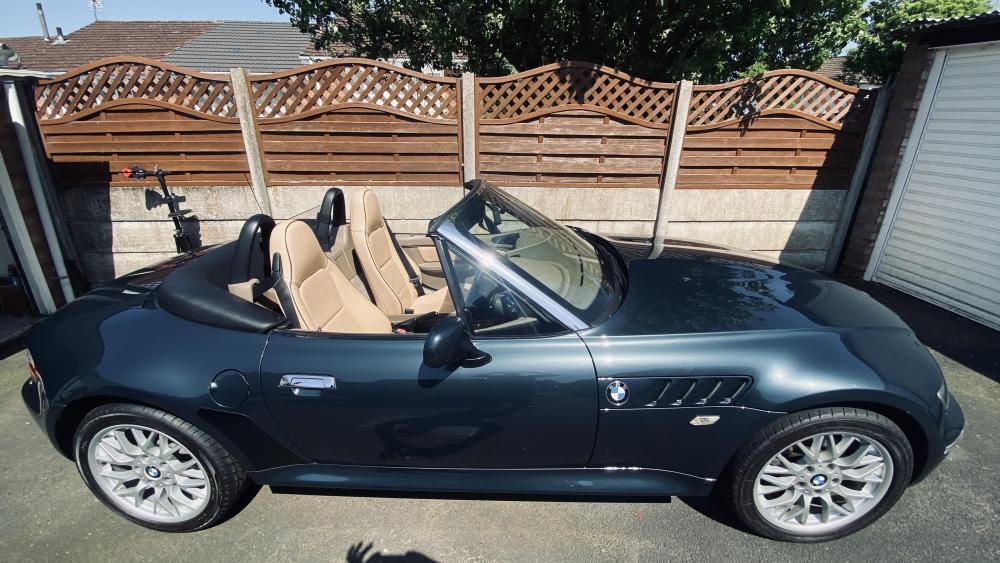
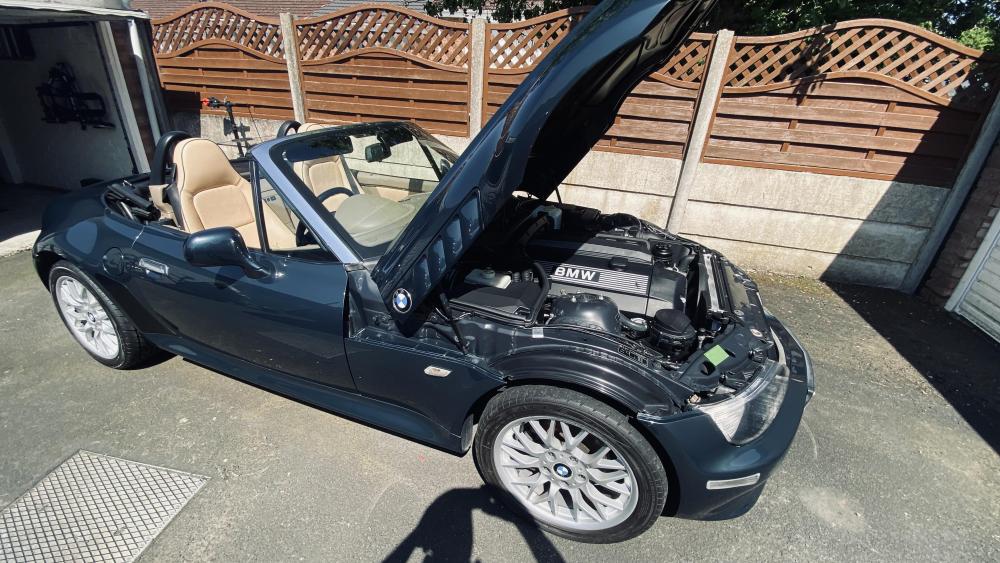
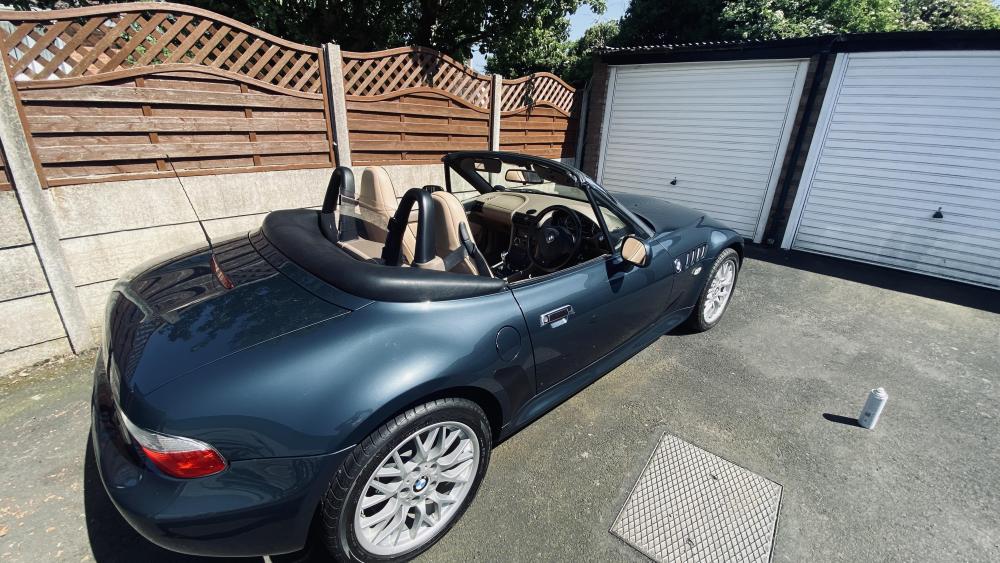
It’s with deep regrets, but I need to sell my BMW z3 2.8 Orinoco this is being advertised on eBay. The car is in very good condition, for its age, I would like to keep it for a lot longer , But I have too many vehicles around me, if you need more information, please let me know
-
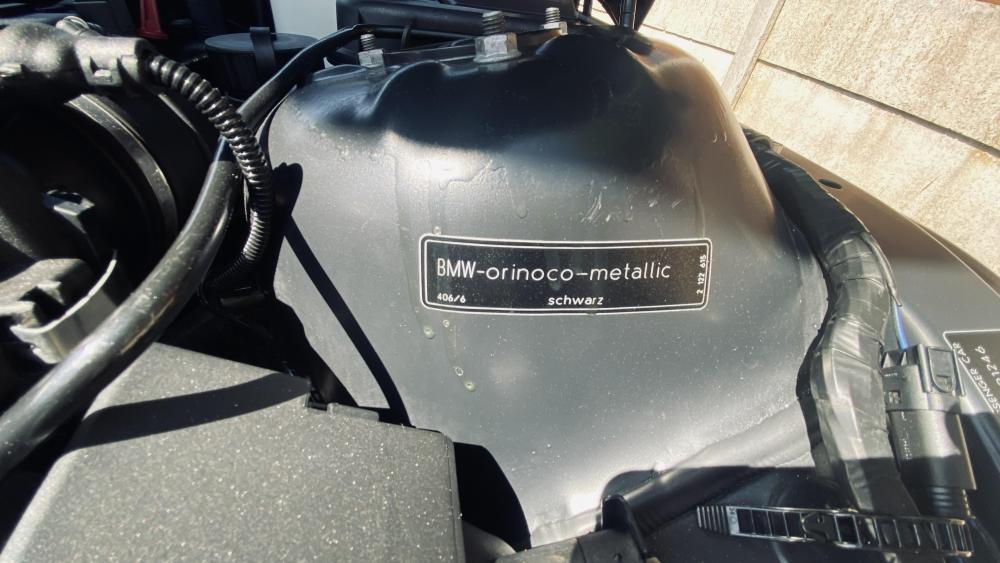
Some pictures of my Z3. I still have the original wheels and original foot mats. Does anybody know how many z3 Orinoco 2.8 was made ?
-
Hi I am thing of selling my z3 2.8 Orinoco where is the best place? To selling? I have A lot of paper work to go with the car . I would appreciate any help. Regards phil



eBay disclaimer: As the club is an eBay Partner, The club may be compensated if you make a purchase you make on eBay via the club.
DISCLAIMER: Bimmerownersclub.com is an independent BMW car forum for owners of BMW vehicles. The club is not part of BMW nor affiliated with or endorsed by the offical BMW AG in any way. The material contained in the forums is submitted by the general public, and is not endorsed by Bimmer Owners Club, BMW AG, or Bayerische Motoren Werke AG. The official website for BMW AG can be found at http://www.bmw.co.uk
DISCLAIMER: Bimmerownersclub.com is an independent BMW car forum for owners of BMW vehicles. The club is not part of BMW nor affiliated with or endorsed by the offical BMW AG in any way. The material contained in the forums is submitted by the general public, and is not endorsed by Bimmer Owners Club, BMW AG, or Bayerische Motoren Werke AG. The official website for BMW AG can be found at http://www.bmw.co.uk