xb0vv
Members
-
Joined
-
Last visited
-
xb0vv joined the community
-
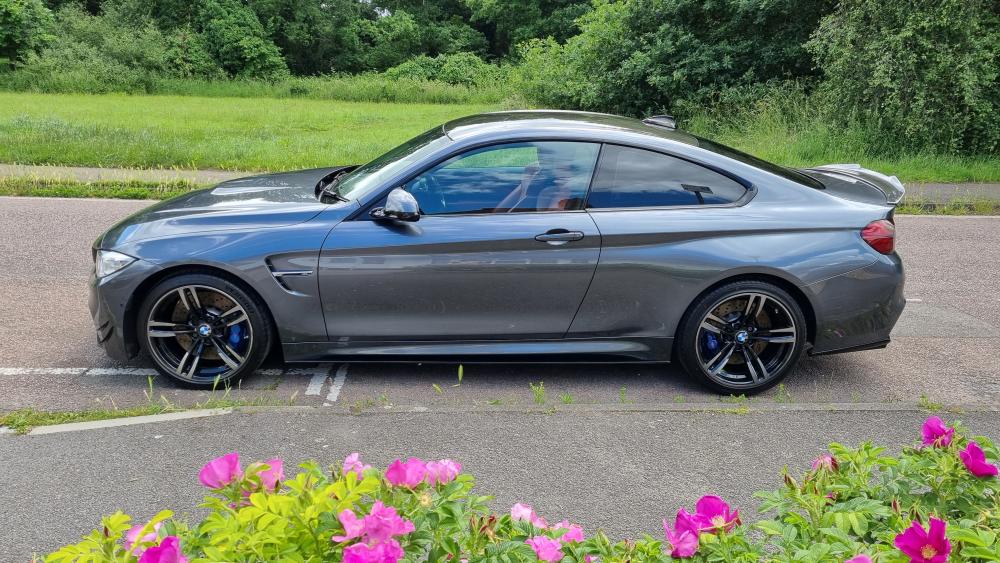
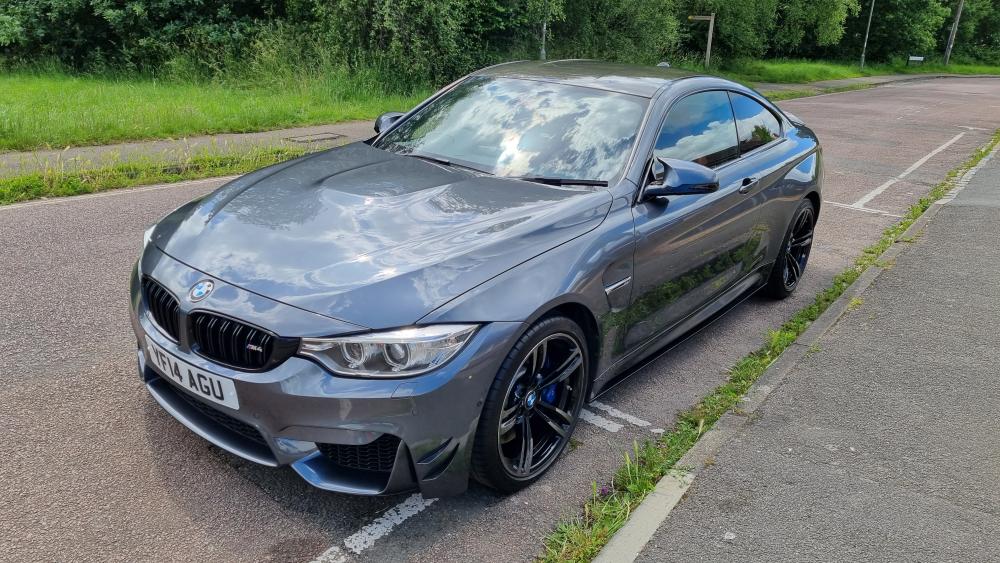
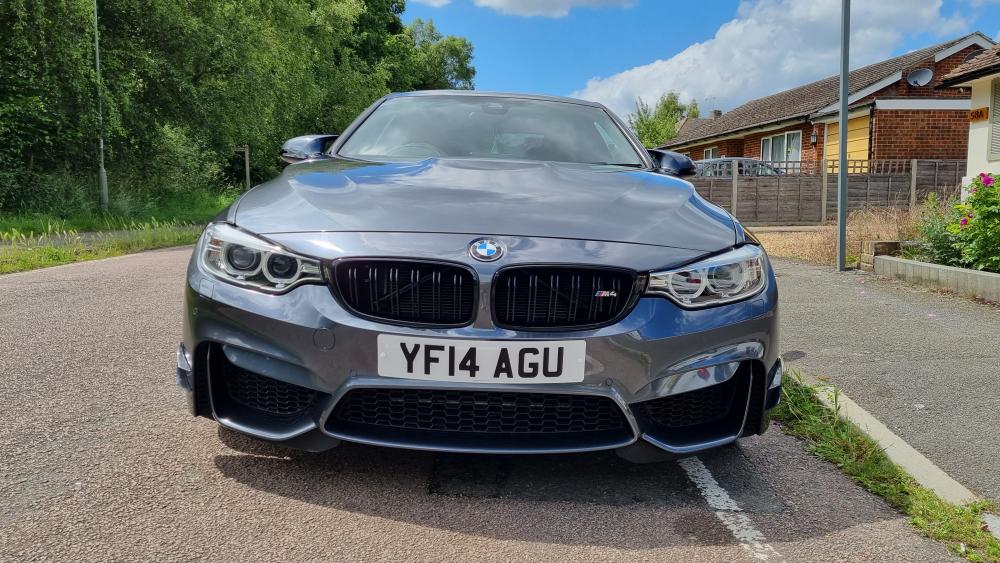
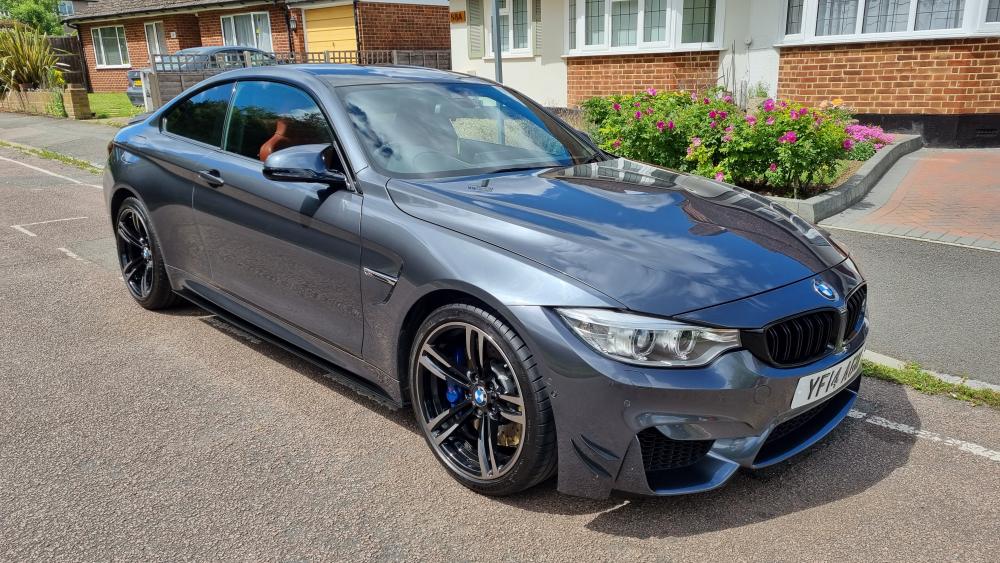
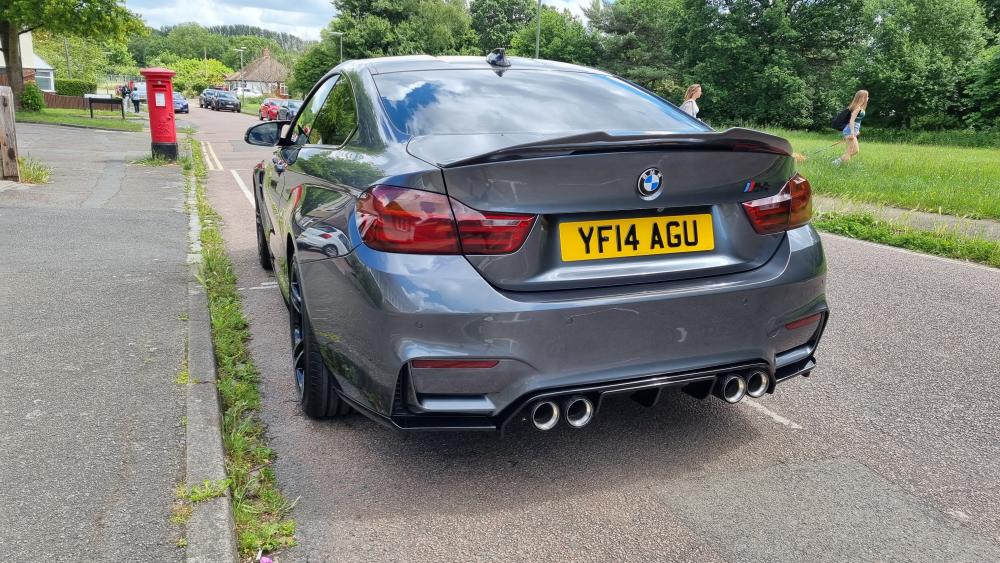
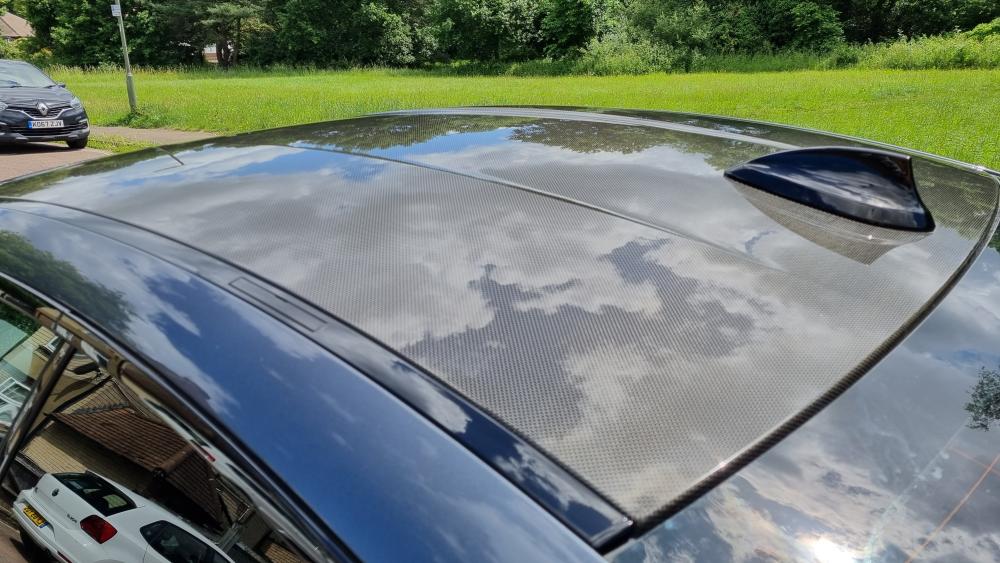
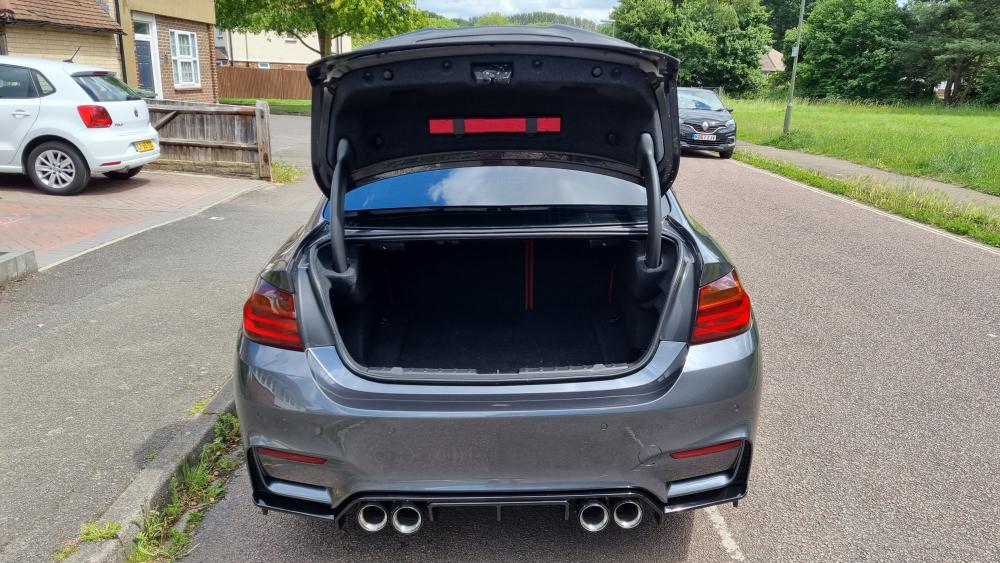
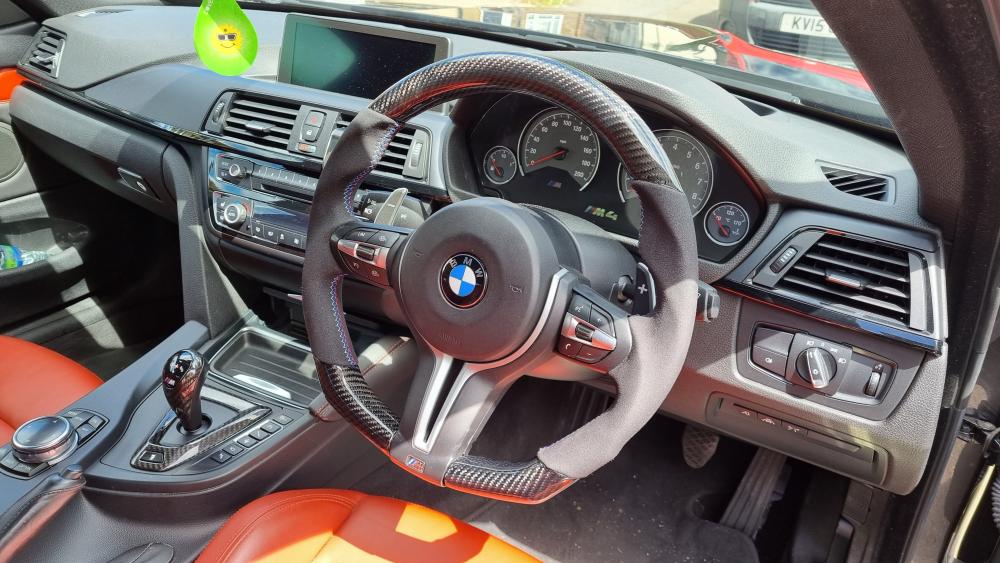
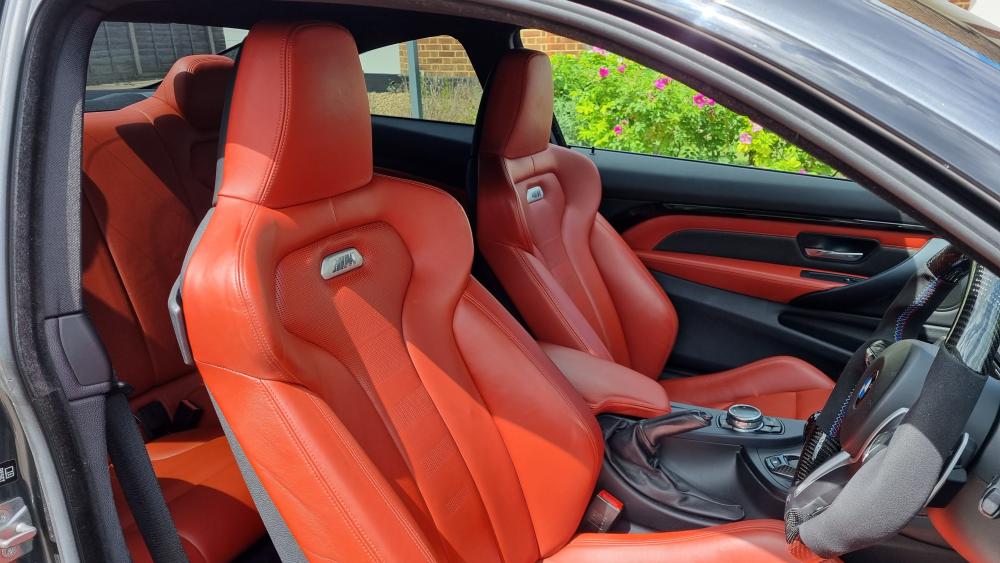
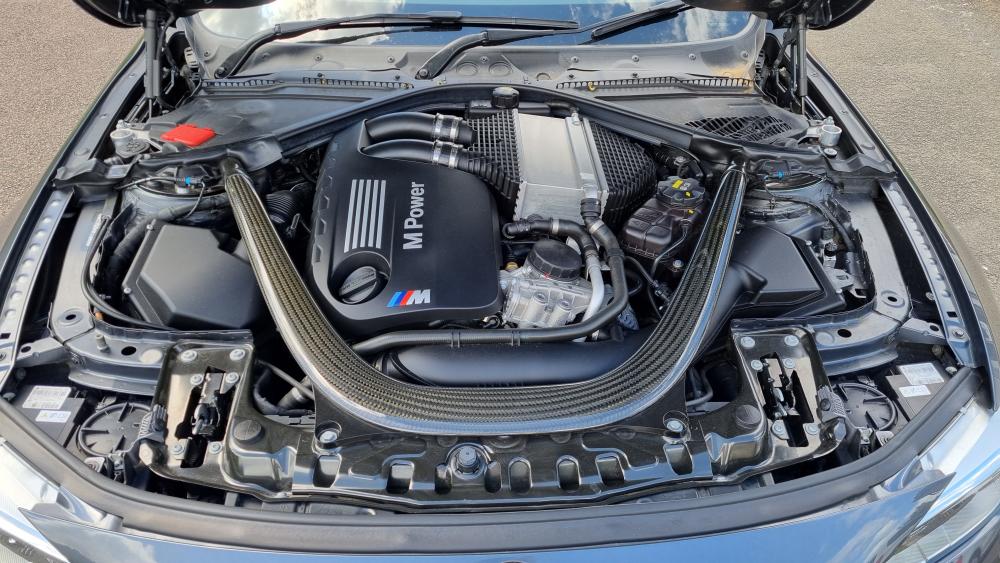
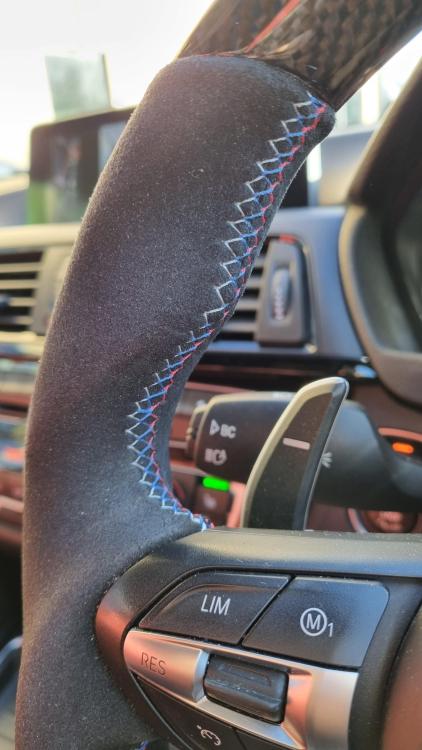
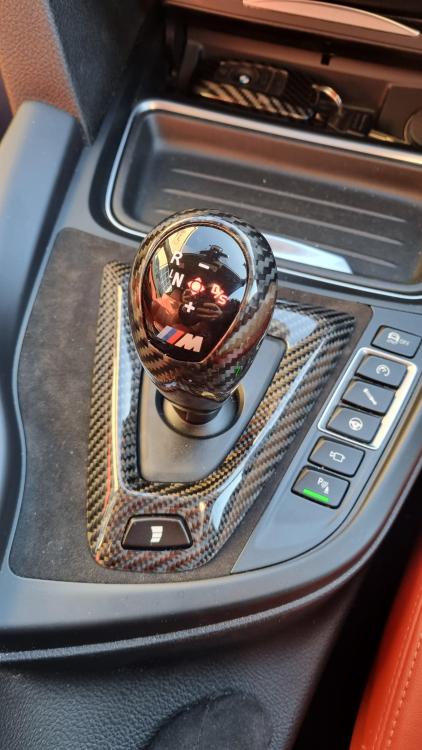
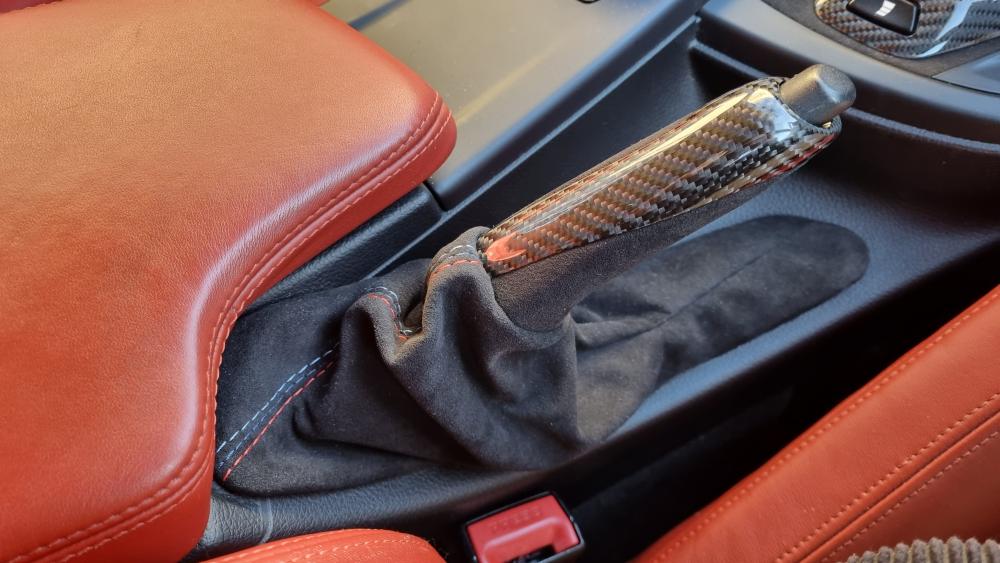
Hey guys, Sadly letting my amazing M4 go as I upgrade to a newer M4 or perhaps an M5. Looking for a fast sale as I need to make space on my driveway for new car. This car has been owned just over a year - bought directly from BMW Oxford with a 1 year warranty. When the warranty ran out I have been paying for (the expensive) extended warranty. Basic stuff Mineral grey Red leather interior Carbon roof Pet free / smoke free 40k on clock, used as a weekend car FULL BMWSH + 1 specialist for an oil change. Car has been serviced at good regular intervals. Car has never been tuned / no engine mods / all stock Exterior styling is gloss black (apart from carbon spoiler), m performance exhaust tips, very slightly tinted rear lights (which look amazing with this colour combo). Interior upgrades include alcantara & carbon steering wheel with M performance red and blue stitching (£800), alcantara & carbon gear surround (£200), alcantara handbrake surround with M performance red and blue stitching (£150). Car comes with all relevant documentations, original invoice from BMW, two keys etc. PRICE: Bought for 29k from BMW 1 year ago - looking for 25k (open to serious offers though & may consider slightly less if I like the buyer and think they will look after the car). I am based in Epsom, Surrey. Contact number - 07790 737670. Thanks