
Jump to content
View in the app

A better way to browse. Learn more.

Bimmer Owners Club - BMW Forum for BMW Owners

A full-screen app on your home screen with push notifications, badges and more.

To install this app on iOS and iPadOS
  1. Tap the Share icon in Safari
  2. Scroll the menu and tap Add to Home Screen.
  3. Tap Add in the top-right corner.
To install this app on Android
  1. Tap the 3-dot menu (⋮) in the top-right corner of the browser.
  2. Tap Add to Home screen or Install app.
  3. Confirm by tapping Install.

rikcougar

Regular Member
  • Joined

  • Last visited

  1. Working on the principle detailed above I have just purchased a 2011 E91 that has done 175k miles! Have I made a mistake? What is the worst that can happen, new DMF is quite inexpensive and pretty much everything else is bulletproof Looking forward to many miles with a smile on my face
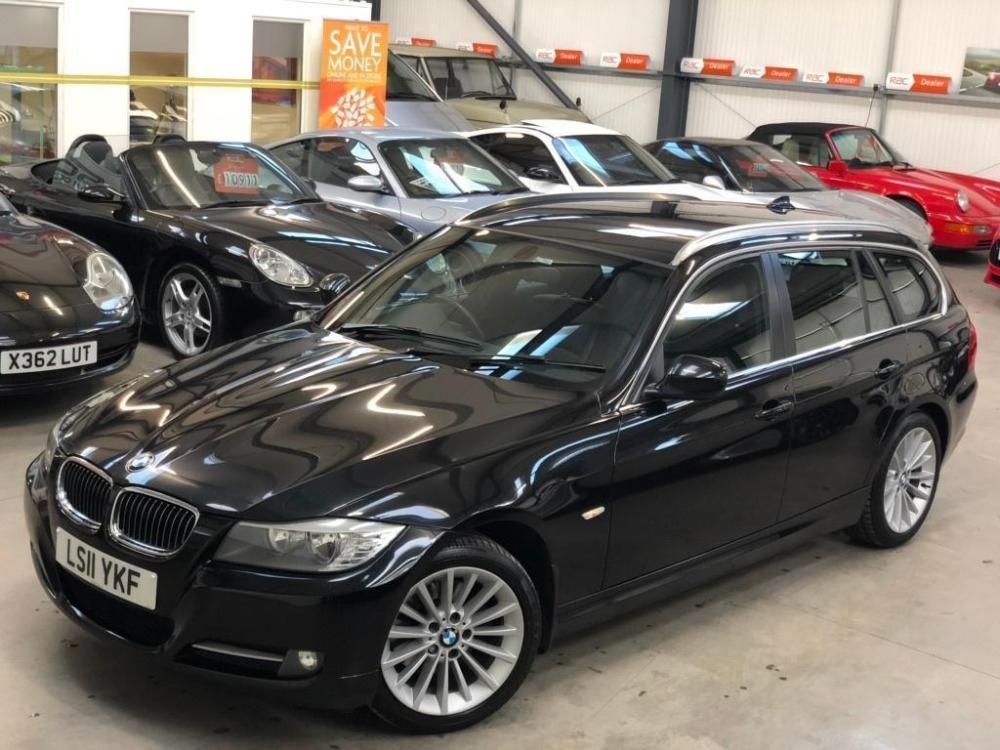
  2. Good stuff What happened to E91?
  3. Stunning and on my bucket list to own It`s got a V10!
  4. Thanks Dave Had a problem wit a rear ABS sensor on way home so it is back at dealers for a while Not a great start but I already love it
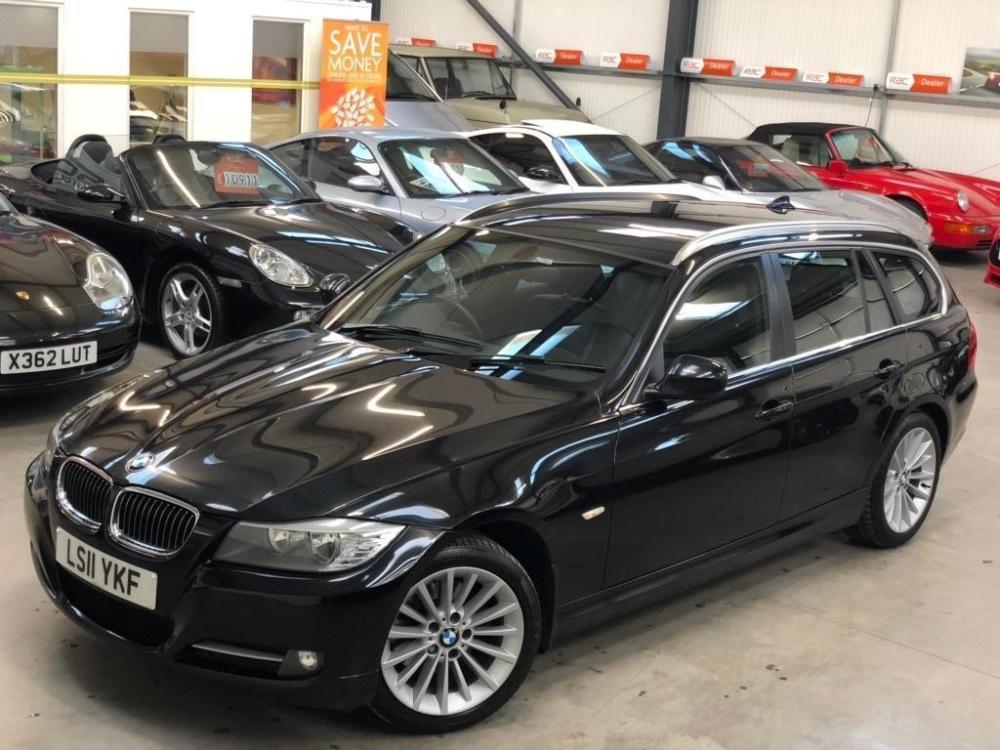
  5. Good morning all New member - Richard Just bought a 2011 320d tourer in metallic black Picking it up this afternoon Pics to follow......................
eBay disclaimer: As the club is an eBay Partner, The club may be compensated if you make a purchase you make on eBay via the club.

DISCLAIMER: Bimmerownersclub.com is an independent BMW car forum for owners of BMW vehicles. The club is not part of BMW nor affiliated with or endorsed by the offical BMW AG in any way. The material contained in the forums is submitted by the general public, and is not endorsed by Bimmer Owners Club, BMW AG, or Bayerische Motoren Werke AG. The official website for BMW AG can be found at http://www.bmw.co.uk
Background Picker
Customize Layout

Configure browser push notifications

Chrome (Android)
  1. Tap the lock icon next to the address bar.
  2. Tap Permissions → Notifications.
  3. Adjust your preference.
Chrome (Desktop)
  1. Click the padlock icon in the address bar.
  2. Select Site settings.
  3. Find Notifications and adjust your preference.