


jwelbs
Members
-
Joined
-
Last visited
-
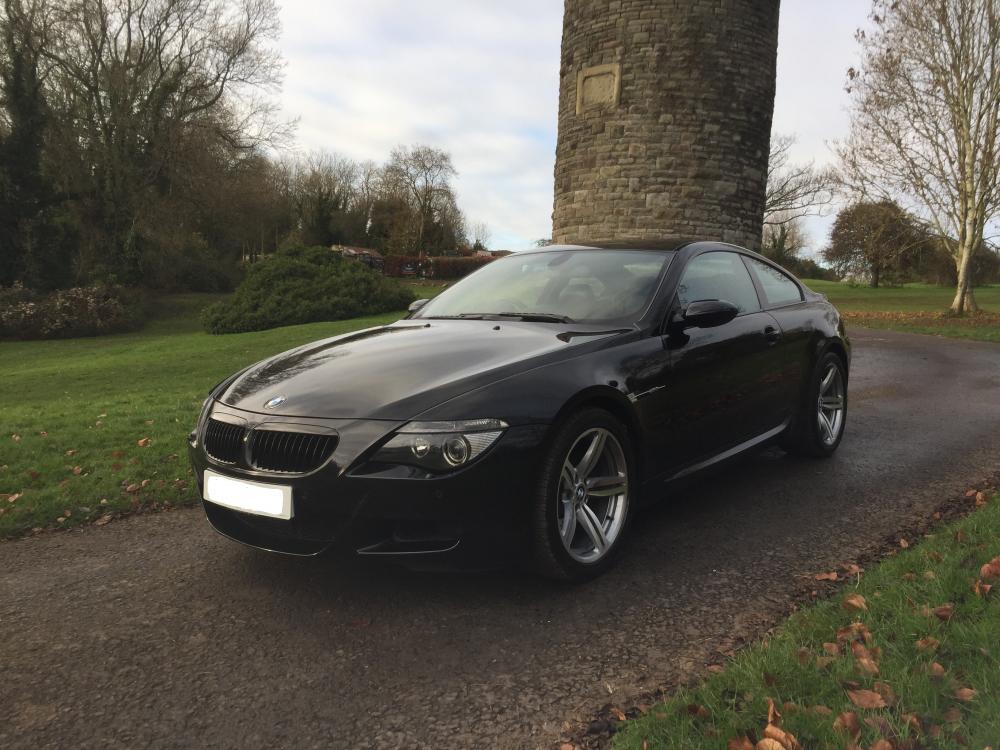
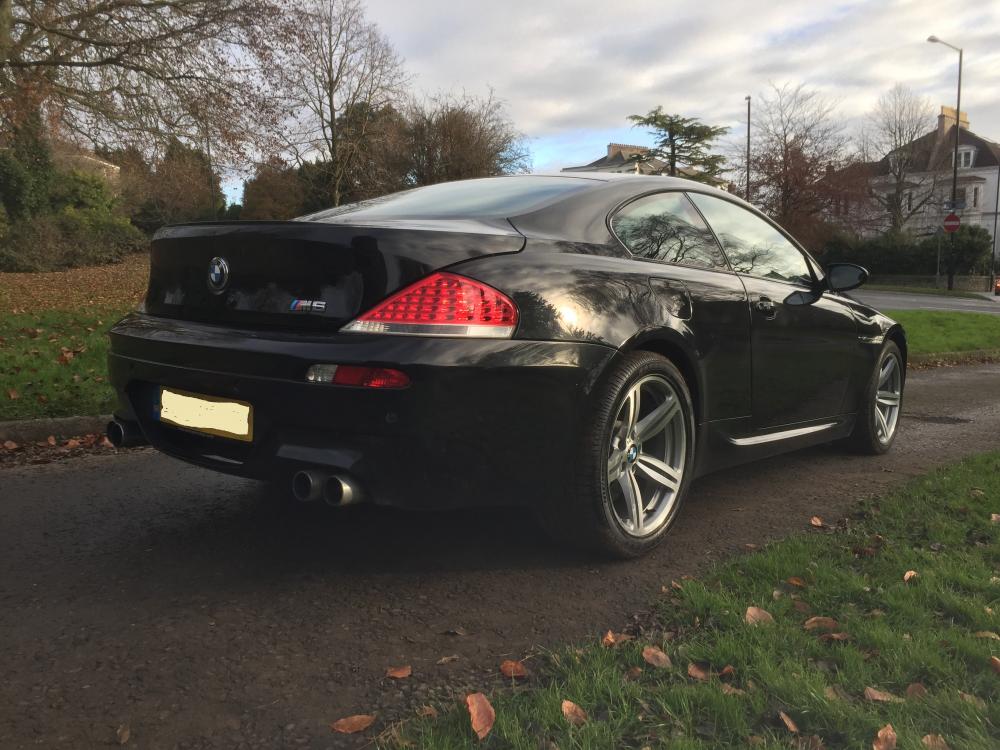
Hi Guys, I've recently brought a 2005 BMW e63 M6. Immaculate condition, only 65,000 miles. Although it is lovely stock, I feel like it could be heard more from a little further away. I want to put a Eisenmann race exhaust on it but I am not wanting to spend the £1500 price tag for them. Does anyone know of anyone that has a used one that they are wanting to part with for some money? Or know where I may be able to find one? Also, would everyone recommended this? I've read that a lot of people are doing muffler delete as a cheaper alternative but I do like the idea of an Eisenmann. I've also looked into a custom exhaust but I feel you loose the V10 sound. Any help would be great! Regards, Jake


eBay disclaimer: As the club is an eBay Partner, The club may be compensated if you make a purchase you make on eBay via the club.
DISCLAIMER: Bimmerownersclub.com is an independent BMW car forum for owners of BMW vehicles. The club is not part of BMW nor affiliated with or endorsed by the offical BMW AG in any way. The material contained in the forums is submitted by the general public, and is not endorsed by Bimmer Owners Club, BMW AG, or Bayerische Motoren Werke AG. The official website for BMW AG can be found at http://www.bmw.co.uk
DISCLAIMER: Bimmerownersclub.com is an independent BMW car forum for owners of BMW vehicles. The club is not part of BMW nor affiliated with or endorsed by the offical BMW AG in any way. The material contained in the forums is submitted by the general public, and is not endorsed by Bimmer Owners Club, BMW AG, or Bayerische Motoren Werke AG. The official website for BMW AG can be found at http://www.bmw.co.uk