


birdy527
Regular Member
-
Joined
-
Last visited
-
a couple of photos so far so good
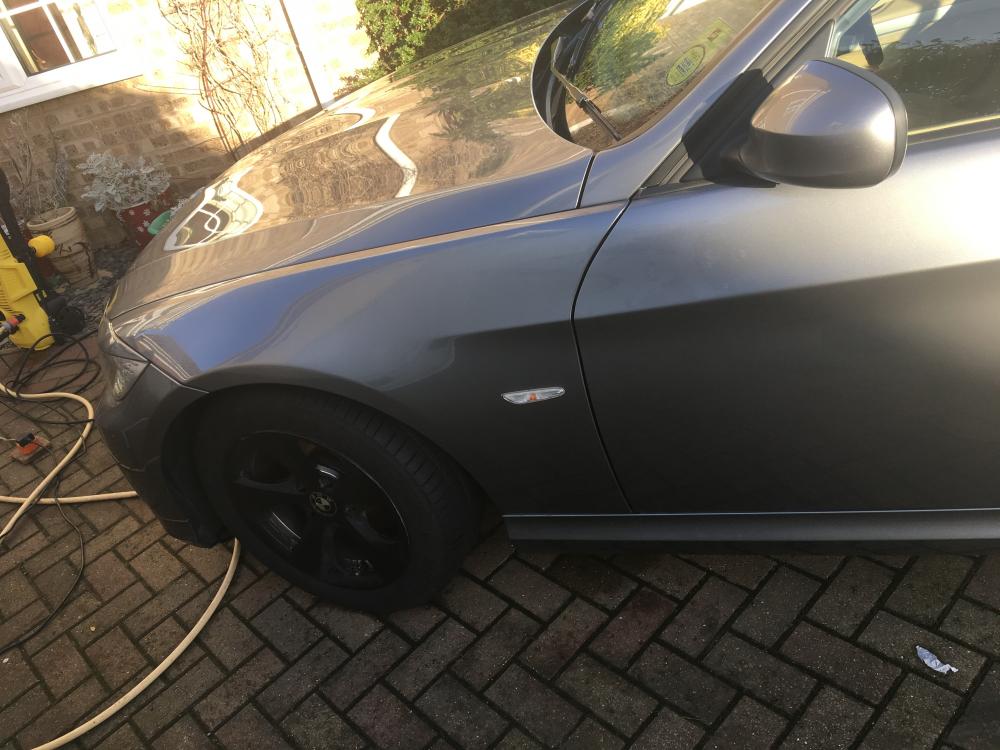
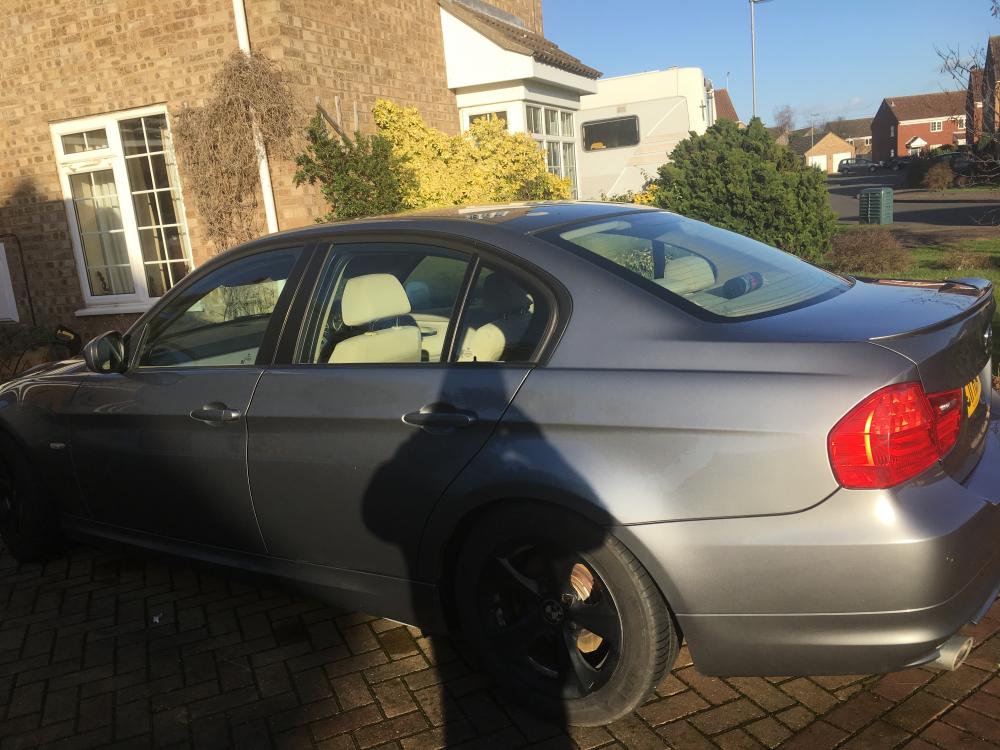
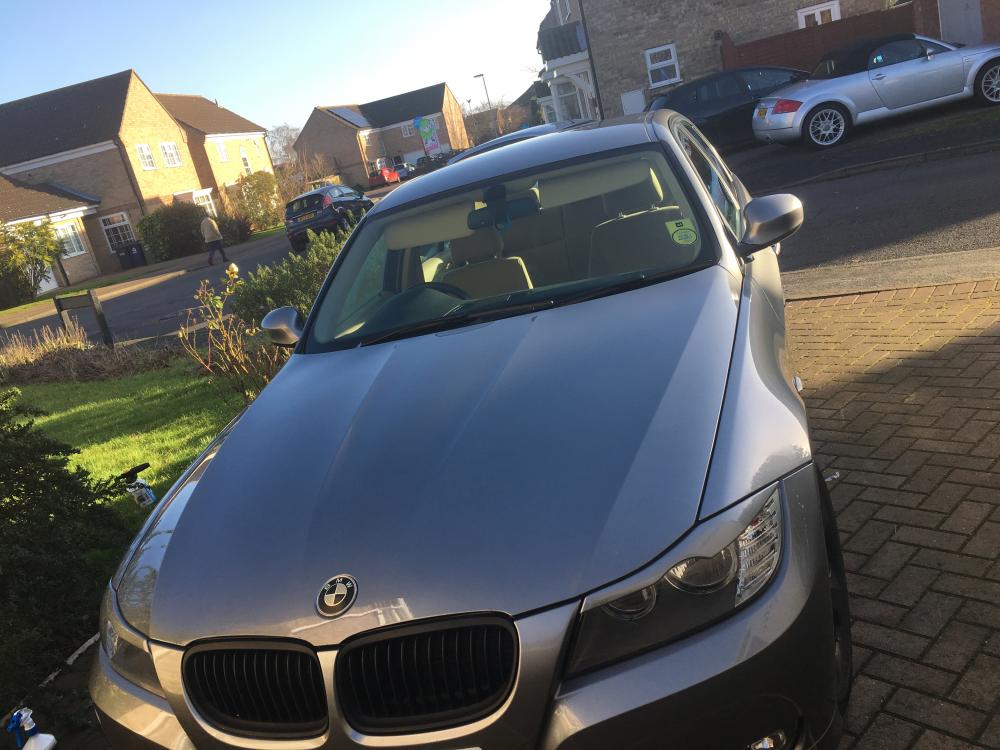
-
hi trevor i will post some pics at some point i have just changed my phone and cant currently find them i have put on headlight eyebrows a small spoiler as none was fitted originally plus my rims are now matt black all emblems are black and white carbon and the grills are matt black (no Chrome) pete
-
Hi everyone im a new member have had my 2011 320d ed for nearly a year done a few cosmetic mods so far
-
hi the 320d ed is at a lower height as standard than most other 320d models hope this helps



eBay disclaimer: As the club is an eBay Partner, The club may be compensated if you make a purchase you make on eBay via the club.
DISCLAIMER: Bimmerownersclub.com is an independent BMW car forum for owners of BMW vehicles. The club is not part of BMW nor affiliated with or endorsed by the offical BMW AG in any way. The material contained in the forums is submitted by the general public, and is not endorsed by Bimmer Owners Club, BMW AG, or Bayerische Motoren Werke AG. The official website for BMW AG can be found at http://www.bmw.co.uk
DISCLAIMER: Bimmerownersclub.com is an independent BMW car forum for owners of BMW vehicles. The club is not part of BMW nor affiliated with or endorsed by the offical BMW AG in any way. The material contained in the forums is submitted by the general public, and is not endorsed by Bimmer Owners Club, BMW AG, or Bayerische Motoren Werke AG. The official website for BMW AG can be found at http://www.bmw.co.uk