rick650i
Members
-
Joined
-
Last visited
-
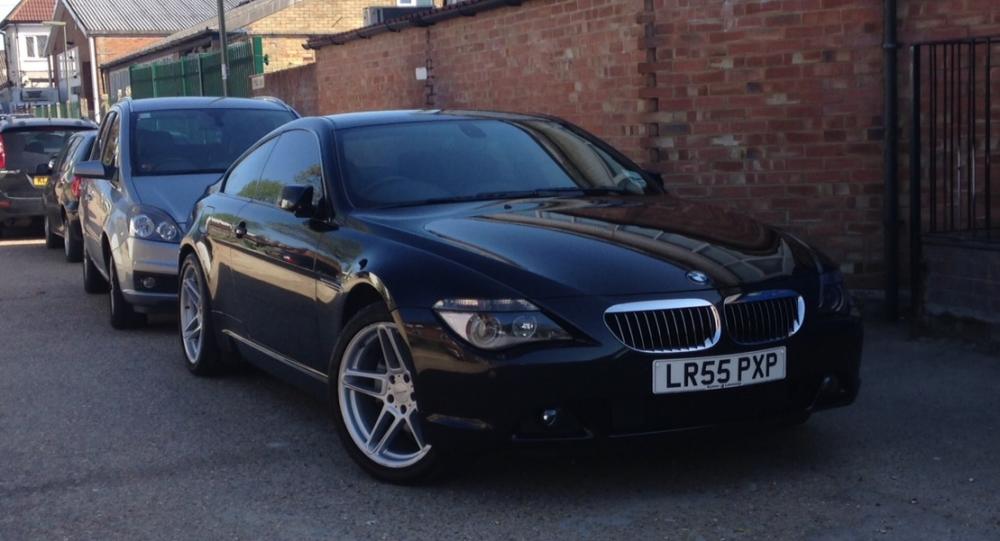
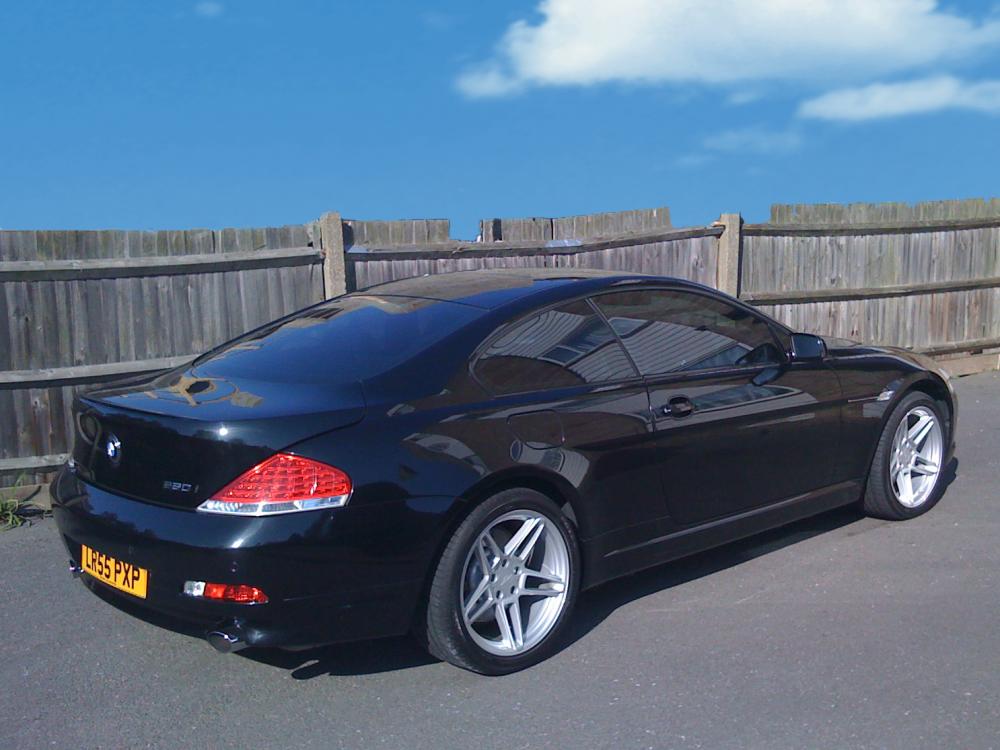
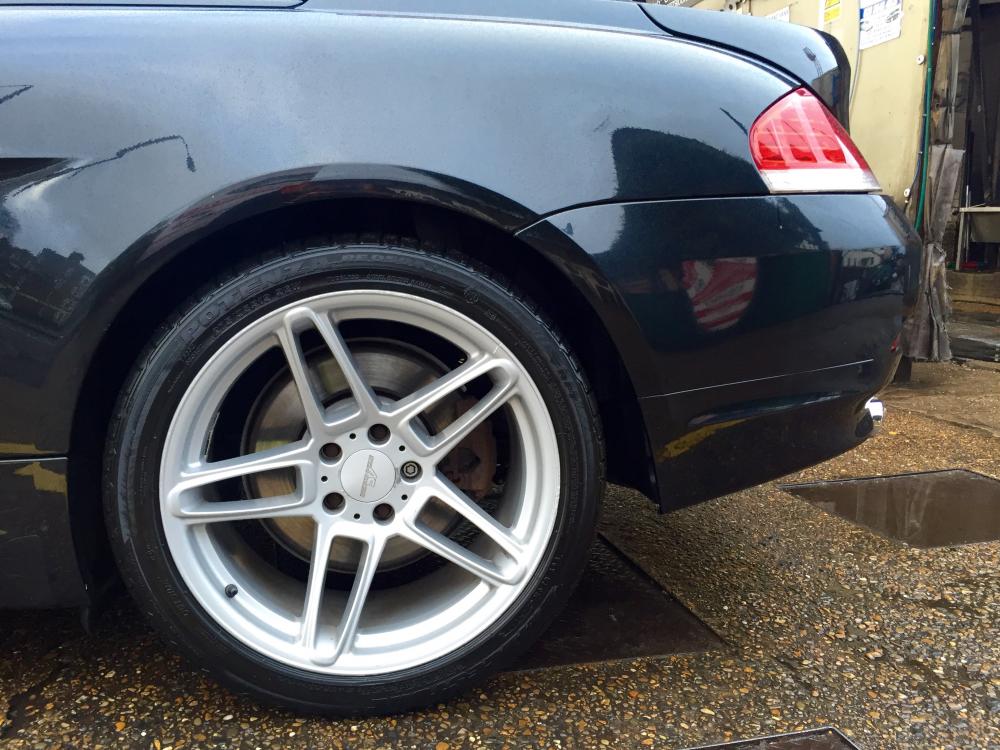
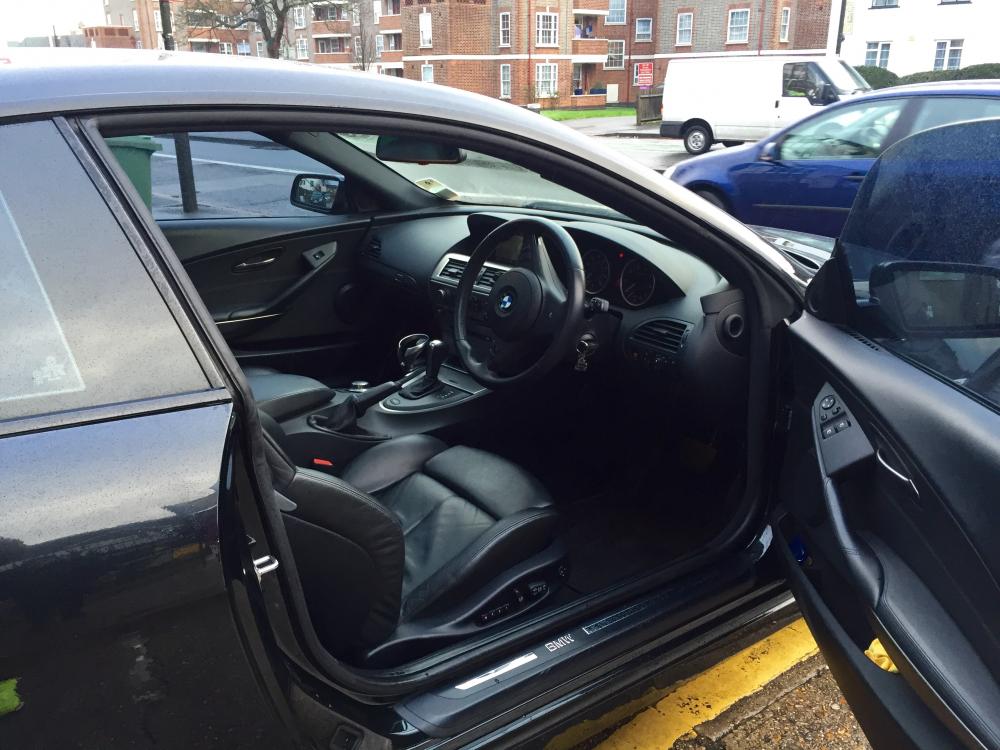
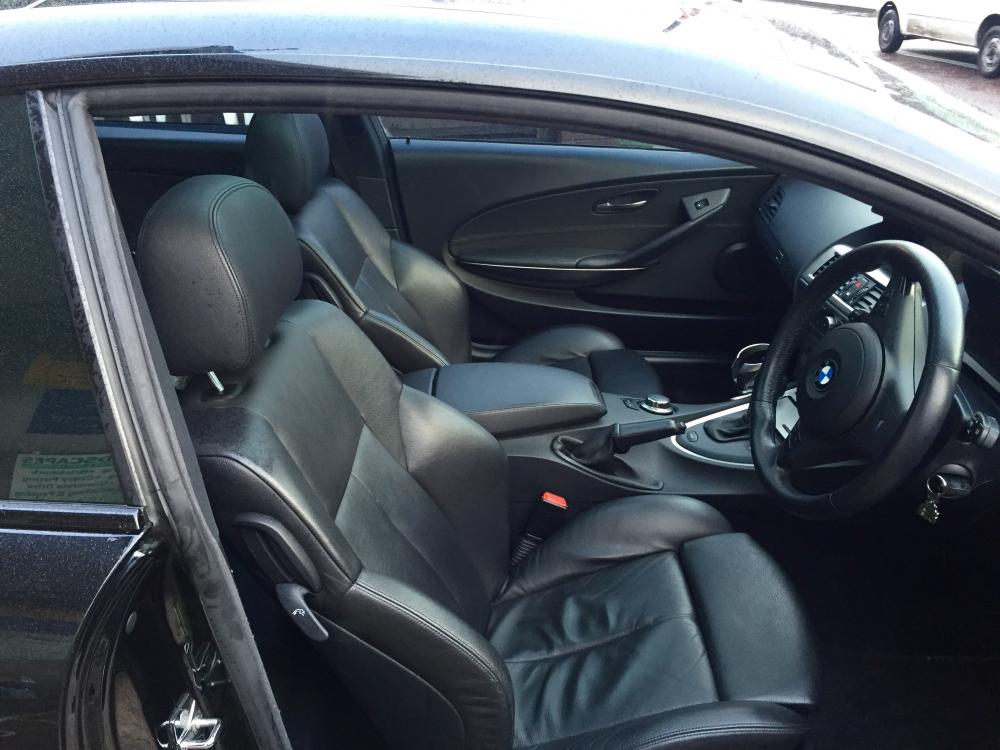
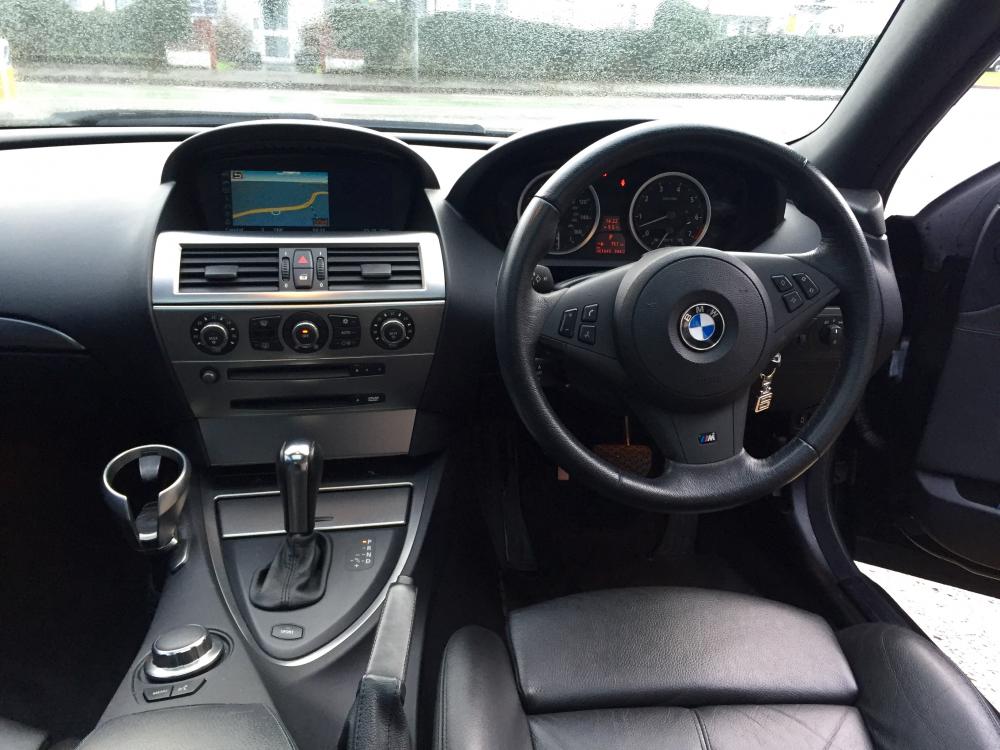
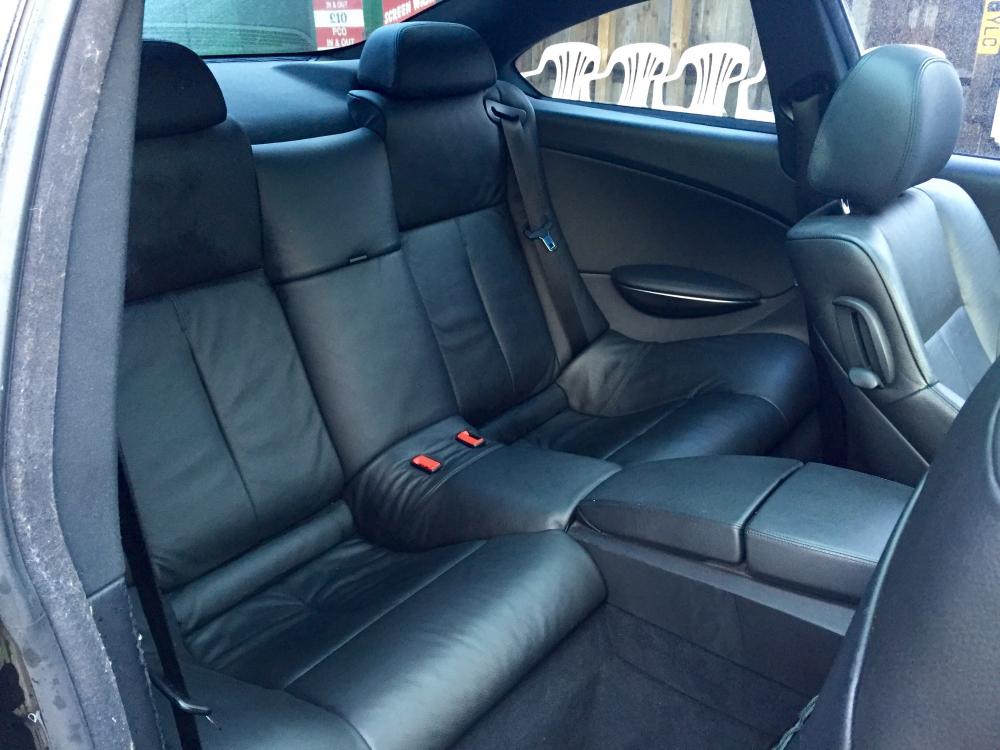
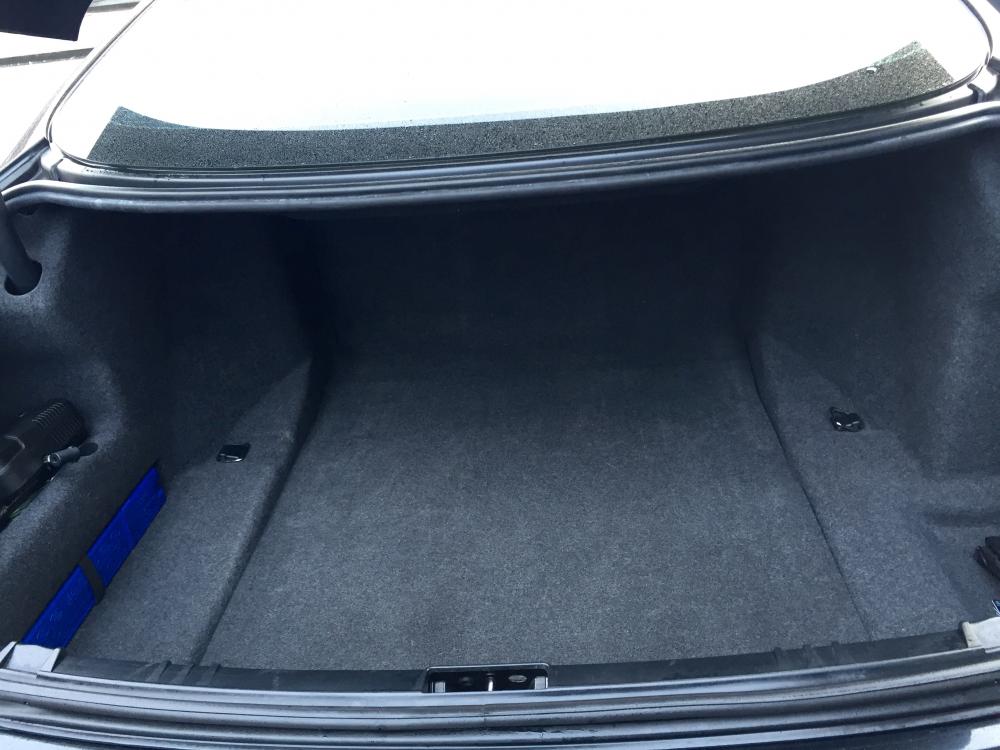
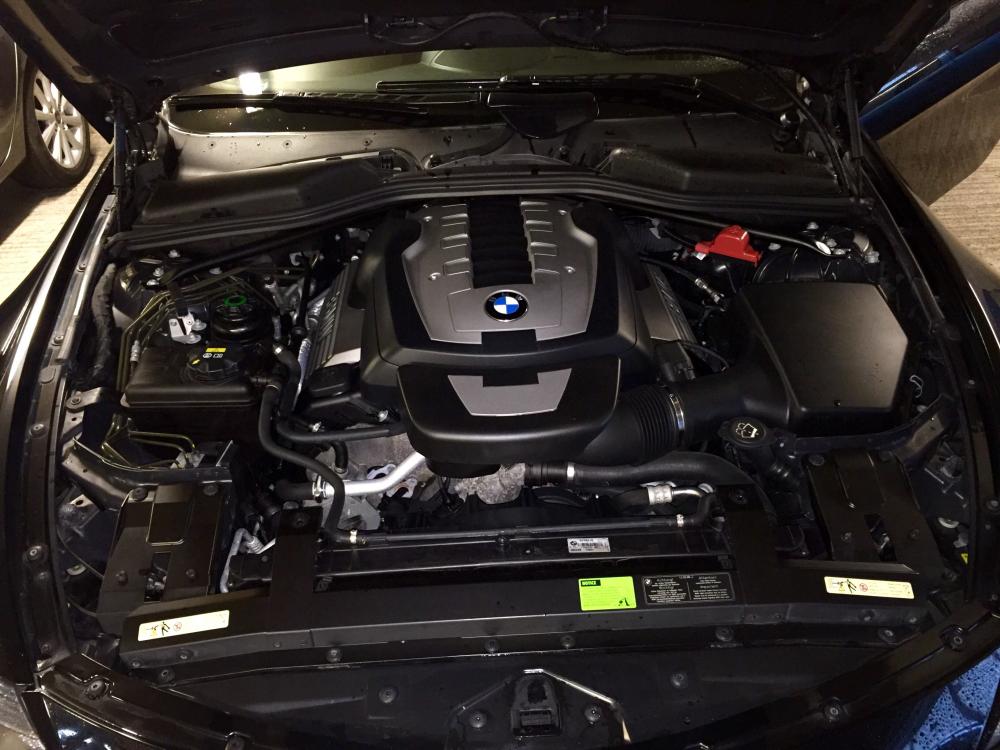
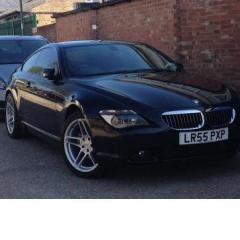 Hi I have a mint-condition 2005 (55 reg) black BMW 650i Sports to sell. Am new to this site and can't figure out how to put my car on the Cars for Sale page. Can anybody advise please. My car has all the extra, genuine AC Schnitzer 19-inch alloys. Drives like an absolute dream. Don't want to sell her, but the wife is pregnant, so I need to change for a bigger vehicle like an X5. Price £9,999 due to the urgency of the sale. Car is valued at over £11k. Thanks, Richard