Kell
Members
-
Joined
-
Last visited
-
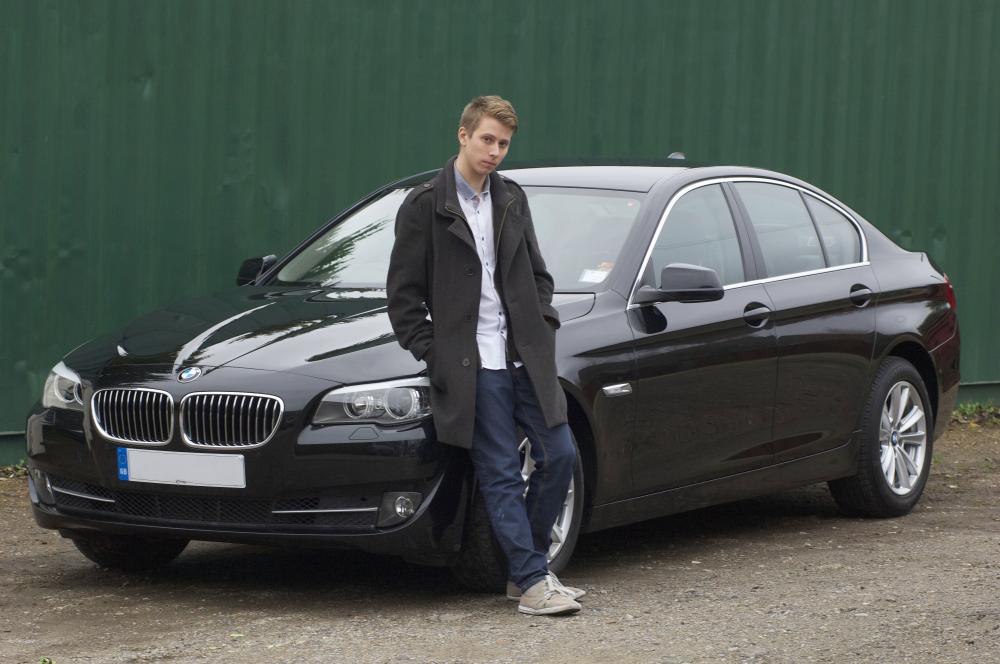
 Hello all! I'm rubbish at these things so i will keep it short and sweet :) My name is Kell, im 24 and from Kent and in December i bought a 2013 BMW 520D F10 which i have totally fallen in love with. My pervious car was a Lexus IS 200 Sport which i loved however 20-25 MPG on a good day (Sometimes less around town) was killing me. The F10 has stopped me from having to visit the petrol station as often which is nice for the wallet. I am a big community sort of fella so owners clubs are right down my street. One question i do have is, how does one become a supporter, i looked on the main site but it says "Product can not be found" I look forward to being part of the owners club and maybe meeting some fellow owners and talking to you. Here is a pic of me and my F10 from a photoshoot i had recently, dont normally do photos but quite like this one. Please feel free to ask any questions you may have :)