davroxxl
Members
-
Joined
-
Last visited
Everything posted by davroxxl
-
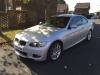
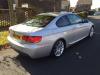
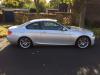
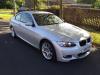
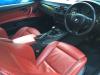
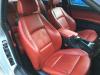
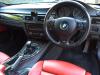
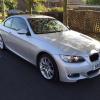 For sale is my 2007 E93 Coupe M Sport 320d The car has covered 76k miles and has full service history (only one stamp is by Arnold Clarke, the rest are BMW) It has 11 months MOT and went through its last one with no trouble at all This M Sport Coupe is fully loaded with extras such as Full Heated Red LeatherCruise ControlStart/Stop functionBluetoothCD/MP3/aux line portDual climate controlHeated Screen and mirrorsFull M sport KitXenon LightsThe leather is completely unmarked and in great condition, body work has the odd mark in it but have been touched in. For 8years old this car is at a very high standard. Drives like a brand new car, no noises or warning lights. Very smooth and solid drive Only one owner on the logbook Open to offers Please dont hesitate to ring or text for any further details, test drives welcome Dave 07583950649